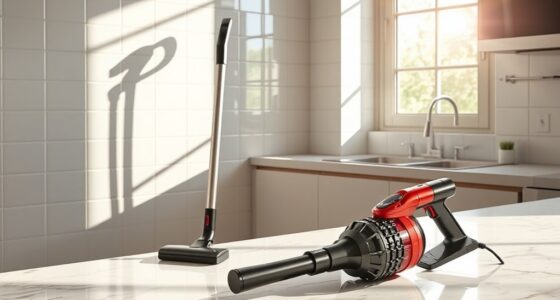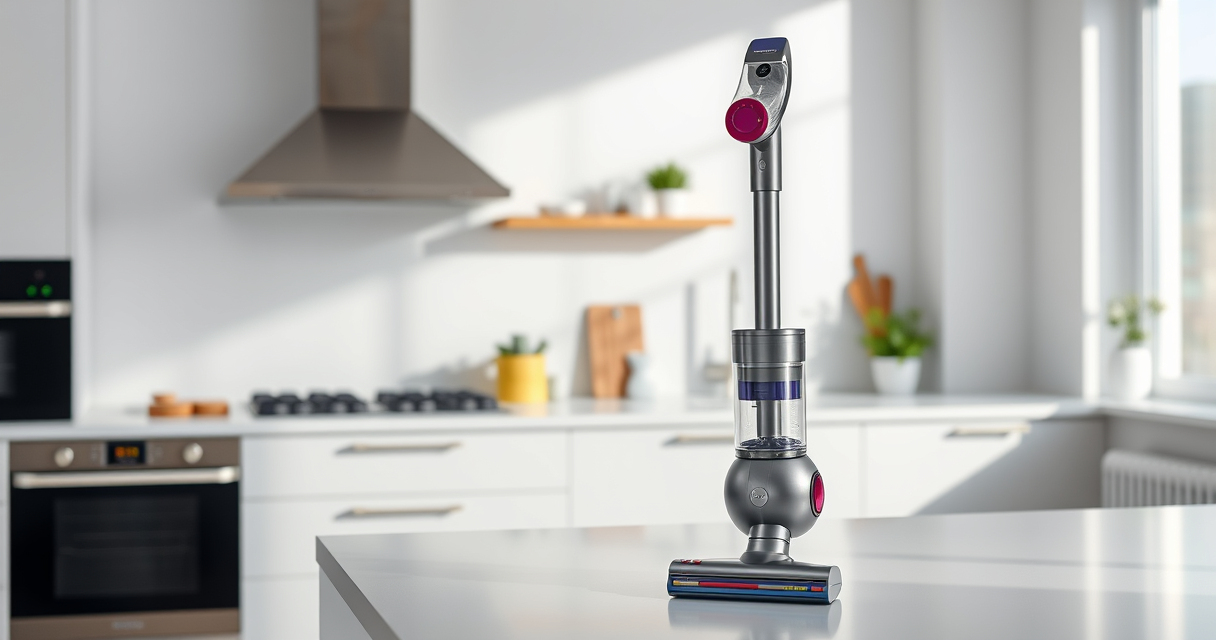

If your Dyson V15 Detect™ Origin cordless vacuum’s battery is draining faster than usual, it can be frustrating and reduce your cleaning efficiency. This guide provides clear, safe steps to diagnose common causes and restore optimal battery life, helping you get back to deep cleaning with confidence.
Regular maintenance, proper usage, and understanding how to identify issues can significantly extend your vacuum’s runtime. Follow these steps carefully to troubleshoot effectively and safely.
Key Takeaways
| Battery wear | Over time, batteries lose capacity and need replacement or maintenance. |
| Filter clogging | Dirty filters can cause the motor to work harder, draining the battery faster. |
| Usage patterns | Max power modes or frequent use can reduce overall battery life. |
| Charging habits | Incorrect charging practices may harm battery health. |

Dyson V15 Detect™ Origin Cordless Vacuum
- Deep cleaning with intelligent detection: Reveals invisible dust for thorough cleaning
- Enhanced power and runtime: 100% more power, 60-minute battery life
- Energy-efficient power trigger: Uses power only when needed
As an affiliate, we earn on qualifying purchases.
Check the Battery Condition
- Ensure the vacuum is turned off and unplugged from charging.
- Remove the battery if possible, following the manufacturer’s instructions.
- Inspect the battery for any visible damage or swelling.
- If the battery is old or shows signs of damage, consider replacing it with a genuine Dyson replacement or compatible unit.
Clean or Replace Filters
- Remove the pre-filters and main filters from your Dyson V15.
- Wash the filters with water and let them air dry completely—do not use heat.
- If filters are worn out or excessively dirty, replace them with compatible options like the 3Pack Pre Filters Replacement or V10 Filters.
Optimize Usage and Charging Habits
- Avoid leaving the vacuum on maximum power mode unnecessarily—use eco mode when possible.
- Charge the vacuum fully before each use, avoiding partial charges or overcharging.
- Allow the battery to fully discharge before recharging if recommended by Dyson.
Update Firmware and Perform Maintenance
Check the LCD screen for any maintenance alerts or error messages and follow prompts to reset or update firmware if available. Regularly clean the cleaner heads and brush bars to reduce motor strain and battery drain.
Consider Battery Replacement
If all other steps fail and your battery still drains quickly, replacing the battery may be necessary. Use genuine Dyson batteries or compatible options like the LANMU Crevice Tool compatible with your model.
The Products in This Guide

Dyson V15 Detect™ Origin Cordless Vacuum
- ✔ Model: Dyson V15 Detect™ Origin
- ✔ Run Time: 60 minutes
- ✔ Filters: Replaceable filters included

LANMU Crevice Tool Vacuum Attachments Compatible
- ✔ Length: Extended reach
- ✔ Material: Plastic
- ✔ Compatibility: Dyson cordless models
Dyson V15 Detect™ Origin Cordless Vacuum
<p>The Dyson V15 Detect™ Origin offers impressive cleaning power with intelligent features that adapt to debris and floor type, ensuring deep cleaning. Proper maintenance extends battery life and keeps your vacuum performing at its best.</p>
Pros:
- Powerful suction
- Intelligent debris detection
- Long 60-minute runtime
- LCD screen with real-time updates
Cons:
- Battery may degrade with heavy use
- Filters require regular cleaning
- Price of replacement batteries
Best for: Homeowners seeking deep cleaning with smart tech
Not ideal for: Users expecting extended runtime beyond 60 minutes without maintenance
Bottom line: Regular maintenance and proper use are key to preventing battery drain issues.
LANMU Crevice Tool Vacuum Attachments Compatible
<p>The LANMU Crevice Tool attachment is compatible with Dyson V15 models, providing a narrow, flexible nozzle to reach tight spaces and corners, making maintenance and cleaning more thorough.</p>
Pros:
- Narrow, flexible design
- Easy to attach
- Ideal for hard-to-reach spots
- Versatile for home and car cleaning
Cons:
- May not fit older Dyson models
- Additional attachment to manage
Best for: Cleaning tight corners and difficult spots
Not ideal for: Use as a primary cleaning tool
Bottom line: A handy addition for targeted cleaning in hard-to-reach areas.
Frequently Asked Questions
How often should I replace the filters?
It’s recommended to replace or wash filters every 2-3 months, depending on usage, to maintain optimal suction and battery performance.
Can I replace the battery myself?
Yes, if you follow the manufacturer’s instructions and use compatible batteries, you can replace the Dyson battery to improve runtime.
Why is my vacuum’s battery draining quickly?
Possible causes include worn-out batteries, clogged filters, excessive power mode use, or buildup of debris in the cleaner heads.
Is it safe to wash the filters?
Yes, filters can be washed with water and air-dried completely. Avoid using heat or detergents to prevent damage.
Keep Your Dyson Vacuum Running Strong
Regular maintenance, proper charging habits, and timely filter replacements are essential to prevent rapid battery drain. If issues persist, consider replacing the battery with genuine parts to restore full performance. With these tips, your Dyson cordless vacuum will continue to provide powerful, efficient cleaning for years to come.
Affiliate disclosure: As an Amazon Associate we earn from qualifying purchases. Prices and availability are accurate as of the time of publishing.