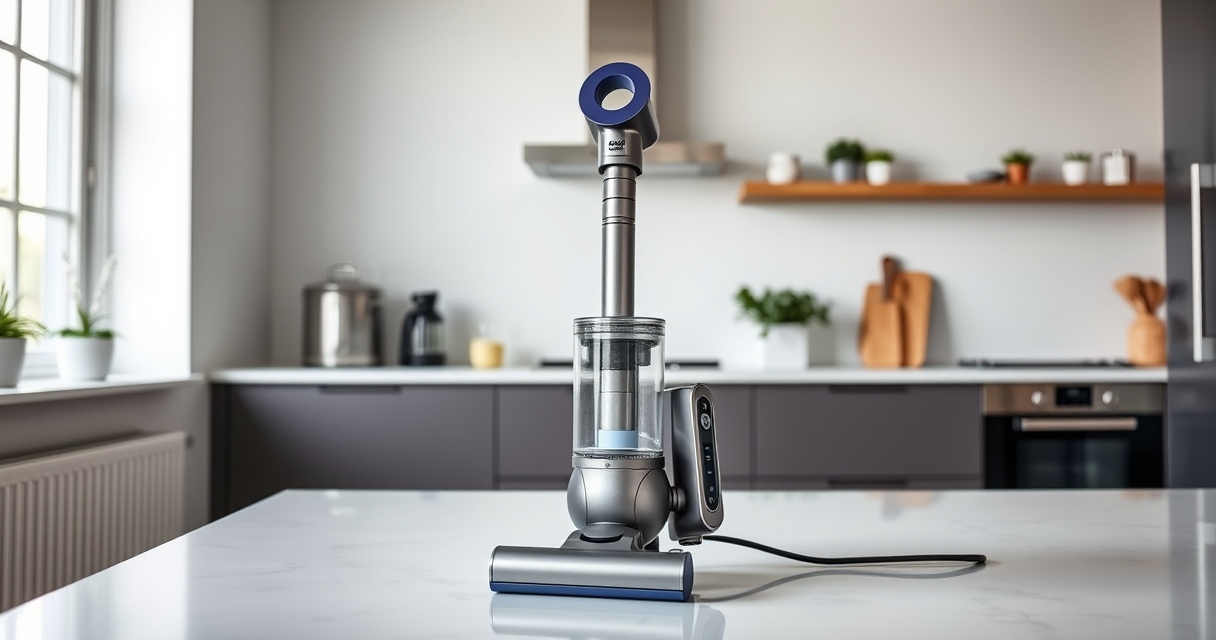

The Dyson V15 Detect™ Origin Cordless Vacuum is a powerful, intelligent cleaning tool designed for whole-home deep cleaning. With its advanced features, including an LCD screen that displays particles and maintenance alerts, it offers an exceptional cleaning experience. To keep it performing at its best, regular maintenance and troubleshooting are essential. This guide provides practical, step-by-step instructions to help you care for your Dyson V15, troubleshoot common issues, and ensure it operates efficiently for years to come.

Get cleaning gear delivered free with Prime
- Fast, free delivery on millions of items
- Prime Video, Amazon Music and more included
- Member-only deals all year
Whether you’re encountering performance drops, filter issues, or mechanical quirks, these tips will help you resolve problems quickly and safely, maintaining the vacuum’s peak performance.
Key Takeaways
| Routine Filter Cleaning | Regularly wash and dry filters to maintain suction and air quality. |
| Battery & Power Checks | Ensure proper charging and check for battery or motor issues. |
| Brush & Cleaner Head Maintenance | Clear hair and debris from brushes and heads regularly. |
| Troubleshooting Common Errors | Follow specific steps for error messages displayed on the LCD. |
| Use Recommended Attachments | Utilize compatible tools like the LANMU crevice tool for hard-to-reach spots. |
Routine Maintenance for Optimal Performance
- Start by turning off and unplugging your Dyson V15. Remove the main wand and detach the cleaner head.
- Remove the pre-filter from the cyclone assembly. Rinse it under cold water until clear, then gently wring out excess water. Allow it to air dry completely—this typically takes 24 hours.
- Check the vacuum’s brush bars and cleaner heads for tangled hair, string, or debris. Use scissors or a cleaning tool to remove buildup, ensuring smooth rotation and effective cleaning.
- Inspect the dustbin for blockages or accumulated dust. Empty it regularly and clean with a damp cloth if necessary.
- Ensure the filter is dry before reassembling. Reinsert it securely, and reattach all parts. This routine should be performed every 1-3 months depending on usage.
Troubleshooting Common Performance Issues
- If the vacuum is losing suction, first check the filters. Clogged filters can significantly reduce airflow. Remove, rinse, and dry filters thoroughly.
- For error messages on the LCD, consult the user manual for specific codes. Common issues include blockages or overheating. Clear blockages from the wand, cleaner head, or cyclone chamber.
- Battery performance may decline over time. Ensure the vacuum is fully charged and try a different outlet. If the runtime is significantly reduced, consider replacing the battery if applicable.
- If the cleaner head isn’t spinning or moving properly, remove tangled hair or debris from the brushes. Lubricate moving parts if needed, and check for obstructions.
- In case of abnormal noise or vibration, turn off the device and inspect the brush bars and internal components for damage or debris. Replace damaged parts promptly.
Replacing Filters and Attachments
Filters play a crucial role in maintaining suction and air quality. Use only recommended replacement filters like the 3Pack Pre Filters or V10 Filters depending on your model. To replace filters:
- Remove the filter from the cyclone assembly or vacuum body.
- Rinse the filter under cold water, gently squeezing to remove dust. Avoid using detergents or brushes that could damage the filter.
- Let the filter air dry completely, which may take up to 24 hours. Do not use a hairdryer or direct heat.
- Reinstall the dry filter securely into the vacuum.
For hard-to-reach areas, the LANMU Crevice Tool offers a slim, flexible nozzle compatible with your Dyson V15. Attach it to the wand for precise cleaning around edges, corners, and car interiors.
Maintaining the Cleaner Heads & Brush Bars
Cleaning the brush bars and heads regularly is vital for effective cleaning. Hair, string, and debris can tangle around the brush rolls, hindering their movement and dirt pickup. To clean:
- Remove the cleaner head from the vacuum.
- Use scissors or a small cleaning tool to cut away tangled hair and debris from the brush bars.
- Check for any blockages in the airflow vents or around the brushes.
- Wipe the inside of the cleaner head with a damp cloth to remove dust and dirt.
This simple maintenance ensures your cleaner head remains effective and prolongs its lifespan.
Handling Battery and Power Issues
Power and battery issues are common but often fixable. If your Dyson V15 Detect™ isn’t holding charge or suddenly stops during use, try these steps:
- Ensure the vacuum is plugged into a working outlet and the charging cable is securely connected.
- Check for any visible damage to the charging cable or port.
- Allow the vacuum to fully charge—this can take up to 4 hours.
- If the battery life is significantly reduced, consider replacing the battery if your model allows.
- For persistent power issues, reset the vacuum by turning it off, removing the battery (if removable), and reinserting it after a minute.
Always follow safety instructions when handling batteries to avoid damage or injury.
The Products in This Guide

Dyson V15 Detect™ Origin Cordless Vacuum
- ✔ Weight: 6.8 lbs
- ✔ Charging Time: Up to 4 hours
- ✔ Filter Type: HEPA-like, washable

LANMU Crevice Tool Vacuum Attachments Compatible
- ✔ Material: Plastic and rubber
- ✔ Length: 12 inches
- ✔ Compatibility: Multiple Dyson models
Dyson V15 Detect™ Origin Cordless Vacuum
The Dyson V15 Detect™ Origin offers powerful suction, intelligent debris detection, and real-time particle counts, making it an outstanding choice for thorough home cleaning. Regular maintenance ensures it stays in peak condition, and troubleshooting tips help resolve common issues quickly.
Pros:
- Powerful suction with 100% more power
- Intelligent particle detection and display
- Long battery life of 60 minutes
- Includes advanced cleaner heads
Cons:
- Filters require regular cleaning and replacement
- Battery replacement can be costly
- Cleaning heads and filters need periodic maintenance
Best for: Homeowners seeking a high-performance, intelligent vacuum for daily and deep cleaning
Not ideal for: Users who prefer corded vacuums or have very limited storage space
Bottom line: Regular upkeep and troubleshooting will keep your Dyson V15 Detect performing flawlessly.
LANMU Crevice Tool Vacuum Attachments Compatible
The LANMU Crevice Tool offers a slim, flexible nozzle compatible with your Dyson V15, perfect for cleaning tight corners, car interiors, and other tricky spaces. Its slender design allows for precise, effective cleaning where larger attachments can’t reach.
Pros:
- Narrow, flexible design for tight spaces
- Compatible with multiple Dyson models
- Easy to attach and use
- Great for car interiors and corners
Cons:
- Limited to specific cleaning tasks
- Requires careful handling to avoid damage
- May need additional tools for larger debris
Best for: Cleaning corners, car interiors, and narrow gaps
Not ideal for: Large debris removal or deep cleaning tasks
Bottom line: Enhance your cleaning precision with this versatile crevice tool.
Frequently Asked Questions
How often should I replace the filters on my Dyson V15?
It’s recommended to replace or wash filters every 2-3 months to maintain optimal suction and air quality.
Why is my Dyson V15 not holding a charge?
Check the charging cable and outlet, ensure the device is fully charged, and consider replacing the battery if the runtime is significantly reduced.
What should I do if the cleaner head isn’t spinning?
Remove tangled hair and debris from the brush bars, check for obstructions, and verify that the head is properly attached.
How can I improve suction if performance drops?
Clean the filters, empty the dustbin, check for blockages in the wand or cleaner head, and ensure the filters are dry before reinstallation.
Can I wash all parts of the vacuum?
Not all parts are washable. Only the filters and certain attachments like the crevice tool. Refer to the manual for specific cleaning instructions.
Keep Your Dyson V15 Detect in Peak Condition
Regular maintenance, prompt troubleshooting, and using recommended attachments will ensure your Dyson V15 Detect™ Origin remains a powerful and reliable cleaning companion. Follow the steps outlined in this guide to troubleshoot issues safely and effectively, prolonging the lifespan and performance of your vacuum. Staying on top of filter cleaning, head maintenance, and battery care will reward you with efficient cleaning and a cleaner home.
Affiliate disclosure: As an Amazon Associate we earn from qualifying purchases. Prices and availability are accurate as of the time of publishing.
Halloween Picks
halloween
As an affiliate, we earn on qualifying purchases.