Calibrating AI mapping on your robot vacuum is vital for recognizing your home’s layout effectively. Start with a full cleaning cycle to gather thorough mapping data. Make certain sensors are clean and unobstructed, as inaccurate sensors can lead to missed spots. Regular software updates help improve sensor reliability, while recalibration is necessary if you change your home layout. Understanding these elements guarantees your vacuum operates at peak performance, and there are more tips to enhance your experience ahead.
Key Takeaways
- Ensure sensors are clean and unobstructed for accurate obstacle detection and mapping performance.
- Perform an initial complete cleaning run to gather comprehensive mapping data.
- Regularly recalibrate sensors to adapt to changes in home layout and furniture placement.
- Use the companion app to set virtual boundaries and customize cleaning paths for optimal efficiency.
- Keep software updated to enhance sensor reliability and access the latest mapping features.
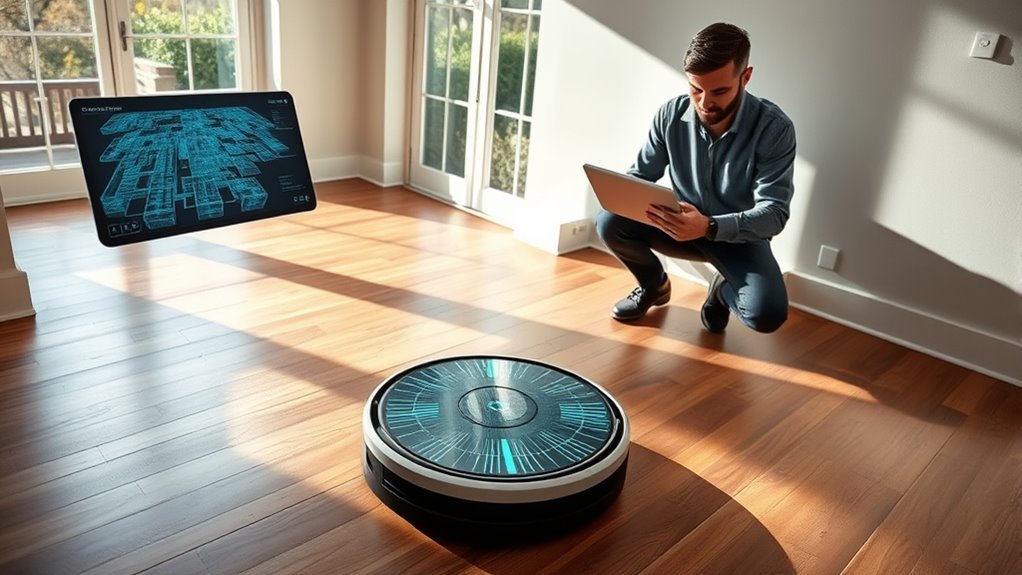
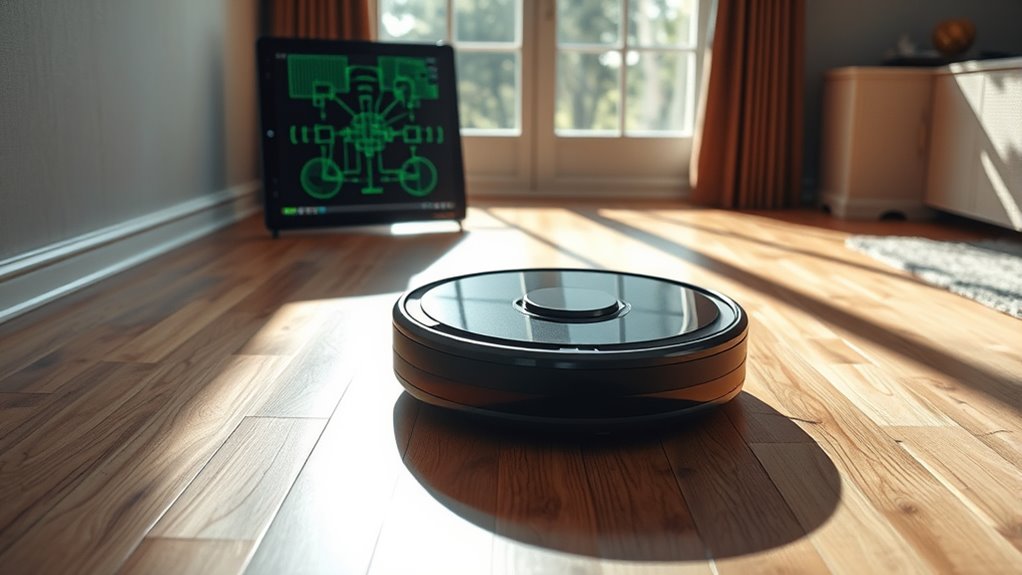
As you explore the world of robot vacuums, you’ll discover that AI mapping is a game-changer in home cleaning technology. This innovative feature allows your vacuum to create an accurate map of your home, optimizing its cleaning path and ensuring no spot is missed. Calibrating this AI mapping can markedly enhance the overall efficiency and effectiveness of your cleaning routine.
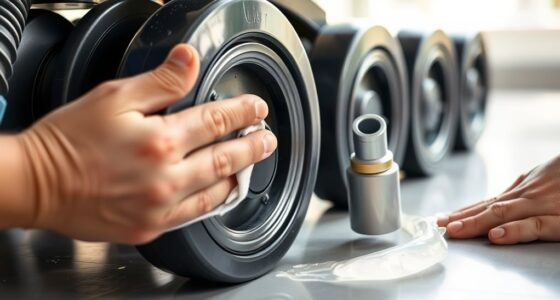
When you first set up your robot vacuum, you’ll notice how vital sensor accuracy is in the calibration process. These sensors help your vacuum navigate your home by detecting obstacles, changes in flooring, and even the edges of stairs. For optimal results, guarantee your vacuum’s sensors are clean and unobstructed. If they can’t accurately perceive their surroundings, the mapping won’t be reliable, and your vacuum may miss areas or bump into furniture more often than necessary.
The user interface plays an equally fundamental role in calibrating AI mapping. Most modern robot vacuums come with a companion app that allows you to manage and customize settings. Through the app, you can view the generated map of your home, which helps you understand the layout better and identify any areas that need special attention. You can choose to set virtual boundaries or designated no-go zones directly within the app, fine-tuning your vacuum’s cleaning path to avoid cluttered areas or delicate furnishings.
Another aspect to consider is the initial mapping run. When you first use the vacuum, let it complete a full cleaning cycle without interruptions. This will allow the AI to gather ample data and create a detailed map. If you interrupt the cycle, the mapping may be incomplete, leading to inefficiencies in subsequent cleanings. Once the initial map is created, you can start making adjustments based on your preferences.
Regular updates and recalibrations are also recommended. Many manufacturers release software updates that improve sensor accuracy and enhance the user interface, so keeping your vacuum updated guarantees you’re benefiting from the latest advancements. Additionally, periodically recalibrating the mapping can account for any changes in your home, such as new furniture or layout adjustments. Furthermore, utilizing a vacuum with advanced filtration systems can significantly improve air quality while cleaning, making it a worthy investment for your home.
Frequently Asked Questions
How Do I Reset My Robot Vacuum’s Mapping Data?
To reset your robot vacuum’s mapping data, locate the reset option in the app or on the device itself. Tap on “mapping reset” and confirm your choice. Make sure to follow any calibration tips provided by the manufacturer, as this guarantees accurate mapping when you start the vacuum again. Once reset, your robot will create a new map of your space, optimizing its cleaning efficiency for the future.
Can I Manually Adjust the Map Created by My Robot Vacuum?
Yes, you can manually adjust the map created by your robot vacuum. Many models offer map editing features, allowing you to make manual adjustments with ease. Simply access the app, find the map settings, and start your fine-tuning. You can add or delete zones, correct errors, and even establish no-go areas. This customization enhances your cleaning experience, ensuring your vacuum tackles your space just the way you want it.
What Should I Do if My Robot Vacuum Gets Lost?
If your robot vacuum gets lost, first check for mapping errors. Sometimes, it may struggle with obstacles or unfamiliar areas, causing navigation issues. You can manually guide it back to its base if you find it. Restarting the vacuum might help reset its navigation system. Make certain the charging dock is in an open area, free from obstructions. Regularly updating the app can also improve its mapping and navigation capabilities.
How Often Should I Recalibrate My Robot Vacuum’s Mapping?
You shouldn’t wait until the robot vacuum turns your house into a maze! Ideally, you should recalibrate its mapping every few months or whenever you change your home layout. Establish a recalibration schedule that fits your cleaning routine; it’ll keep your vacuum’s mapping frequency up to date and guarantee it navigates efficiently. Keeping the mapping accurate means less time worrying and more time enjoying a clean home!
Will Obstacles Affect My Robot Vacuum’s Mapping Accuracy?
Yes, obstacles can affect your robot vacuum’s mapping accuracy. When your vacuum encounters objects, it may struggle with sensor calibration and obstacle detection, leading to inaccurate maps. If furniture or clutter blocks its sensors, it might create gaps or overlaps in the layout. Regularly clearing the area and ensuring nothing obstructs its path can help maintain its mapping efficiency. So, keep your space tidy for ideal performance and navigation!
Conclusion
In summary, calibrating AI mapping on robot vacuums isn’t just a technical detail; it’s the key to effortless cleaning. You might think it’s too complicated or time-consuming, but modern systems simplify this process considerably. With user-friendly interfaces and automatic updates, you can set it and forget it. Imagine coming home to a spotless space, all thanks to a vacuum that knows your home inside and out. Embrace the future of cleaning—it’s easier than you think!