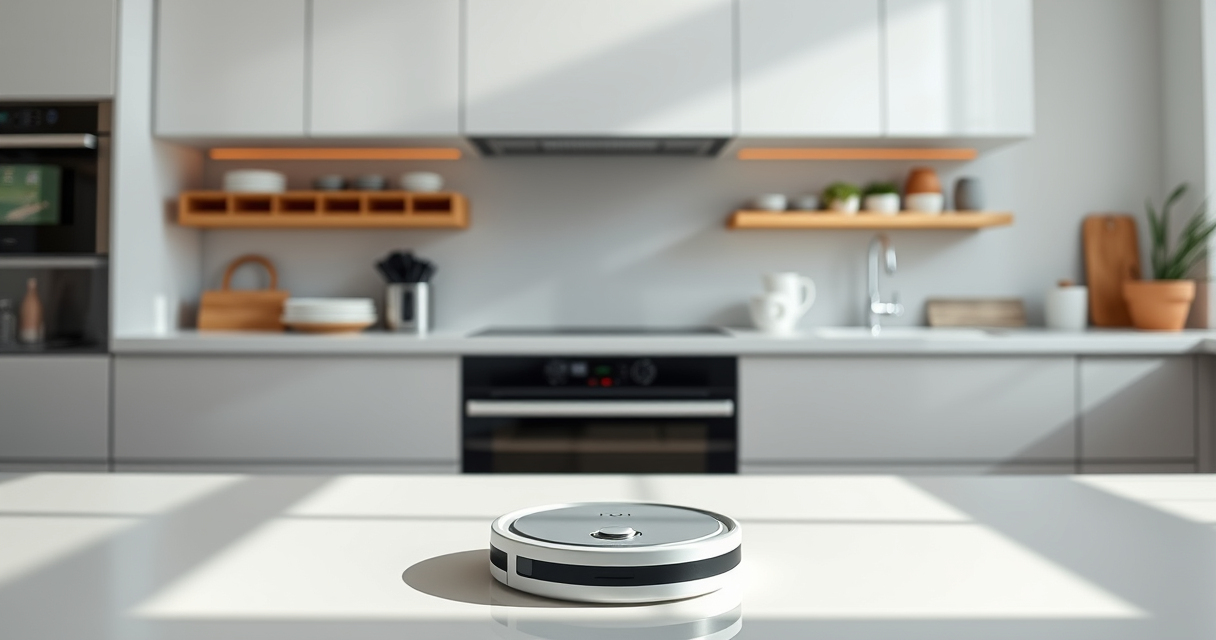
Keeping your Roborock Q7 M5+ robot vacuum in top condition ensures optimal cleaning performance and durability. Regular maintenance prevents common issues like tangling, clogging, and battery problems. This guide provides clear, practical steps to maintain and troubleshoot your device safely and effectively.

Get cleaning gear delivered free with Prime
- Fast, free delivery on millions of items
- Prime Video, Amazon Music and more included
- Member-only deals all year
Follow these instructions to extend the lifespan of your Roborock and enjoy hassle-free cleaning for weeks to come.
Key Takeaways
| Routine Cleaning | Regularly clean brushes and sensors to maintain suction and navigation. |
| Emptying and Replacing | Use the self-emptying dust bag and replace filters as recommended. |
| Troubleshooting | Address common issues like tangles or navigation errors promptly. |
| Accessory Care | Keep mop pads and filters clean and replace them periodically. |
Preparing for Maintenance
- Power off your Roborock to prevent accidental operation during maintenance.
- Ensure the device is unplugged if connected to charging docks or power sources.
- Gather necessary tools: a soft cloth, brush, and replacement filters or mop pads if needed.
Cleaning the Main Brush and Anti-Tangle System
- Remove the main brush from the vacuum following the manufacturer’s instructions.
- Use a brush or cloth to clear tangled hair or debris from the brush and the dual anti-tangle system.
- Check for any damage or wear on the brush, replacing if necessary.
Emptying the Dust Bin and Replacing Filters
- Open the dust compartment and remove the sealed dust bag, disposing of pet hair and debris.
- Replace the 4 Pack Washable Filter if needed, ensuring it fits securely.
- Wipe the dust bin with a damp cloth to remove dust buildup.
Maintaining the Mop and Cleaning Pads
- Remove mop pads and wash them with warm water and mild detergent.
- Allow pads to dry thoroughly before reuse.
- Replace mop pads every 1–3 months or as needed for optimal cleaning.
Troubleshooting Common Issues
- If the vacuum struggles to navigate, check for blocked sensors and clear dust or obstructions.
- For weak suction, inspect and clean the main brush and filters.
- In case of persistent errors, restart the device or reset via the app.
The Products in This Guide

roborock Q7 M5+ Robot Vacuum and Mop
- ✔ Model: Q7 M5+
- ✔ Color: Black
- ✔ Connectivity: App, Wi-Fi

4 Pack Washable Filter
- ✔ Pack Size: 4 filters
- ✔ Material: HEPA
- ✔ Compatibility: Multiple Roborock models
roborock Q7 M5+ Robot Vacuum and Mop
The Roborock Q7 M5+ Robot Vacuum and Mop offers powerful suction, self-emptying convenience, and advanced navigation. Its design makes routine maintenance straightforward, helping you keep your home spotless with minimal effort.
Pros:
- Powerful 10000Pa suction
- Self-emptying 2.7L dust bag
- Dual anti-tangle system
- PreciseLiDAR navigation
Cons:
- May require filter replacements over time
- App control setup can be complex
- Mop pads need periodic replacement
Best for: Pet owners and busy households seeking reliable, low-maintenance cleaning
Not ideal for: Users seeking a budget-friendly or simple vacuum without smart features
Bottom line: A highly capable robot vacuum with convenient self-emptying for long-term, hands-free cleaning.
4 Pack Washable Filter
This 4 Pack Washable Filter set ensures your Roborock maintains high suction and filtration efficiency while saving money on replacements. Easy to install and clean, it’s a practical upgrade for ongoing maintenance.
Pros:
- Compatible with multiple models
- Washable and reusable
- True HEPA filtration
- Simple to install
Cons:
- Requires regular washing
- Not OEM, but performs similarly
- Filters need replacement every few months
Best for: Maintaining optimal air quality and suction power
Not ideal for: Users looking for OEM-certified filters only
Bottom line: A cost-effective, high-performance filter set for consistent vacuum efficiency.
Frequently Asked Questions
How often should I clean the main brush?
You should check and clean the main brush weekly to prevent hair and debris buildup, especially if you have pets.
Can I wash and reuse the filters?
Yes, the washable filters can be cleaned with water and reused, but they should be replaced every 3-6 months for best performance.
What should I do if my Roborock gets stuck or doesn’t navigate properly?
Check for obstructions or dust on sensors and the navigation system. Clearing debris and restarting the device often resolves navigation issues.
Is it safe to remove and clean the mop pads frequently?
Yes, regular cleaning of mop pads with water prevents dirt buildup and ensures effective mopping, but let them dry completely before reuse.
Keep Your Roborock Running Like New
Regular maintenance of your Roborock Q7 M5+ prolongs its lifespan and maintains optimal cleaning performance. Follow these simple steps for cleaning brushes, filters, and pads, and troubleshoot common issues promptly. With consistent care, your smart vacuum will continue to keep your home spotless effortlessly.
Affiliate disclosure: As an Amazon Associate we earn from qualifying purchases. Prices and availability are accurate as of the time of publishing.
Columbus Day / Indigenous Peoples' Day Picks
long weekend sales
As an affiliate, we earn on qualifying purchases.