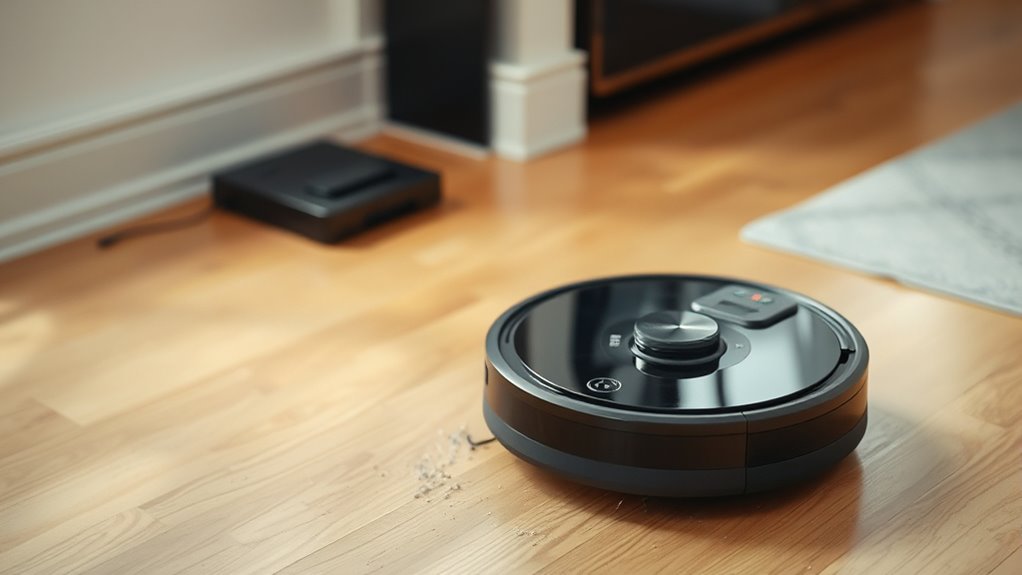

If your robot vacuum isn’t docking properly, start by checking its battery health—replacing the battery can often restore proper function. Clean and calibrate the sensors gently to ensure accurate detection. Make sure your firmware or app is up to date, as updates fix bugs and improve navigation. Inspect and reposition the charging station in an open, dust-free space for better recognition. Following these steps can often fix docking issues, and there’s more to explore if you want lasting solutions.

Get cleaning gear delivered free — and shop member deals
- Fast, free delivery on millions of items
- Access to Prime Big Deal Days deals on October 6–7
- Prime Video, Amazon Music and more included
Key Takeaways
- Check and replace the battery if it’s degraded to ensure proper docking recognition.
- Clean and recalibrate sensors to prevent misalignment or dirt from obstructing dock detection.
- Update firmware and software regularly for improved navigation and docking performance.
- Inspect and reposition the charging station, ensuring it’s clean, stable, and in an open, unobstructed area.
- Perform systematic troubleshooting, including resetting the robot and cleaning contacts, to resolve persistent docking issues.
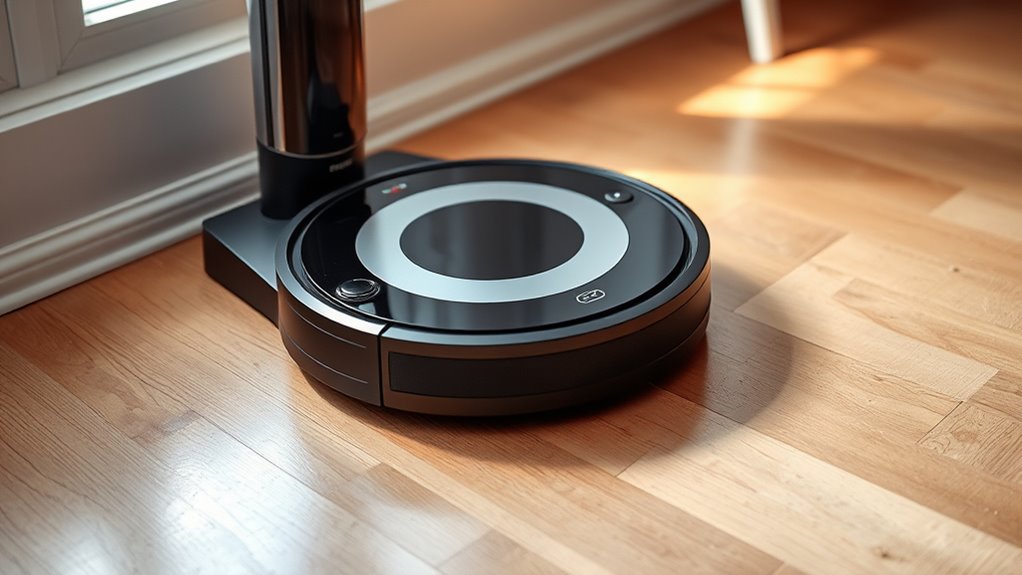
Are you tired of your robot vacuum not working properly? One common issue is it failing to dock correctly after cleaning. This can be frustrating, especially if you’re constantly running it back to the charging station manually. Fortunately, many of these problems have straightforward solutions. The first step is to check your robot’s battery health. Over time, batteries lose their capacity, which can prevent your vacuum from recognizing the dock or maintaining enough power to return. Consider performing a battery replacement if your device is old or if it’s not holding a charge like it used to. Replacing the battery often restores the robot’s ability to reach the docking station reliably.
Check your robot vacuum’s battery health and replace it if necessary to improve docking reliability.
Another key factor that affects docking performance is sensor calibration. Your robot relies heavily on sensors to navigate and find its dock. If these sensors are dirty, misaligned, or out of calibration, your vacuum might get close to the dock but fail to connect properly. Start by cleaning the sensors gently with a soft cloth, making sure there’s no dust or debris obstructing their view. If cleaning doesn’t resolve the issue, you may need to recalibrate them. Many models allow you to do this through the app or onboard controls—consult your user manual for specific instructions. Proper sensor calibration ensures your vacuum can accurately detect the dock’s location, reducing missed connections. Additionally, smart navigation technology plays a crucial role in successful docking, so keeping your software up to date can help optimize this process.
It’s also worth inspecting the charging station itself. Make sure it’s plugged in securely, free of dust, and placed in an open space where the sensors can easily detect it. Sometimes, a slight repositioning of the dock can improve its recognition. Additionally, check your robot’s firmware and app for updates. Manufacturers often release software updates that enhance navigation and docking capabilities, addressing bugs or sensor calibration issues.
If your vacuum still isn’t docking properly after these steps, consider resetting the device to factory settings. This can resolve software glitches that interfere with navigation. Also, ensure the charging contacts on both the robot and station are clean and free from corrosion or dirt. Dirty contacts can prevent proper charging and disrupt the docking process entirely.
robot vacuum replacement battery
As an affiliate, we earn on qualifying purchases.
As an affiliate, we earn on qualifying purchases.
Frequently Asked Questions
Can a Faulty Charging Port Cause Docking Issues?
Yes, a faulty charging port can cause docking issues. When the port isn’t working properly, your robot vacuum might struggle to connect and charge correctly. To fix this, you may need a battery replacement if the battery’s degraded. Also, verify the sensors are calibrated properly, as misaligned sensors can prevent proper docking. Check the port for debris or damage to avoid ongoing docking problems.
How Do I Reset My Robot Vacuum’s Docking Station?
Have you ever wondered if a simple reset could fix your docking issues? To reset your robot vacuum’s docking station, first, make certain of proper placement—place it on a flat, unobstructed surface. Then, unplug the station for about 30 seconds before plugging it back in. This acts as a robot vacuum reset, helping it reconnect correctly. Sometimes, a quick reset is all you need for smooth docking again.
Is There a Way to Update the Robot Vacuum’s Firmware?
Yes, you can update your robot vacuum’s firmware to improve performance and fix issues. Check the manufacturer’s app or website for the latest firmware update, ensuring your device’s software compatibility. Usually, you’ll need to connect your vacuum to Wi-Fi and follow on-screen instructions to download and install the update. Regular firmware updates help your vacuum operate smoothly and prevent docking problems caused by outdated software.
Can Pet Hair Block the Charging Contacts?
Pet hair can definitely block the charging contacts, creating a barrier that prevents your robot vacuum from docking properly. While it might seem harmless, accumulated pet hair can build up and interfere with the connection, causing docking issues. Regularly inspect and clean the charging contacts, removing any pet hair or debris. This simple step guarantees a solid connection, allowing your vacuum to dock and charge efficiently, keeping your home spotless.
How Often Should I Clean the Docking Station?
You should clean your docking station at least once a month to guarantee proper charging. Keep the docking station placement in mind; place it on a flat, stable surface away from dust, pet hair, and obstacles. Follow a regular cleaning schedule, including wiping the charging contacts and clearing debris around the station, to prevent docking issues. Regular maintenance helps your robot vacuum dock smoothly and maintains peak performance.
Conclusion
In closing, tackling your robot vacuum’s docking dilemma doesn’t have to be intimidating. Double-check the docking station’s position, power, and connections, then clear any clutter that could cause confusion. By being diligent and detail-oriented, you’ll diminish the downtime and frustration. Remember, patience and persistence pave the path to perfect performance. With a little troubleshooting and a touch of tenacity, your robot vacuum will be back to cleaning and docking seamlessly, saving you time and trouble.
Fall Picks
fall essentials
As an affiliate, we earn on qualifying purchases.