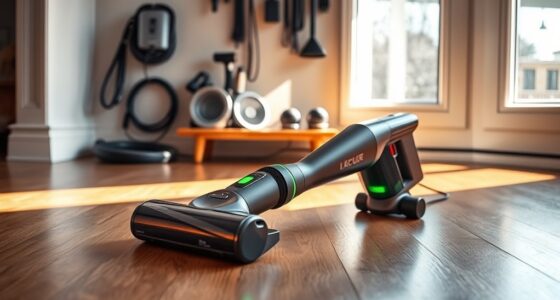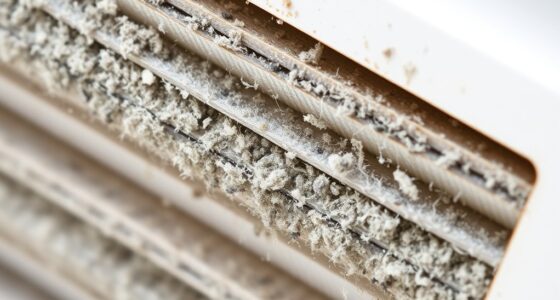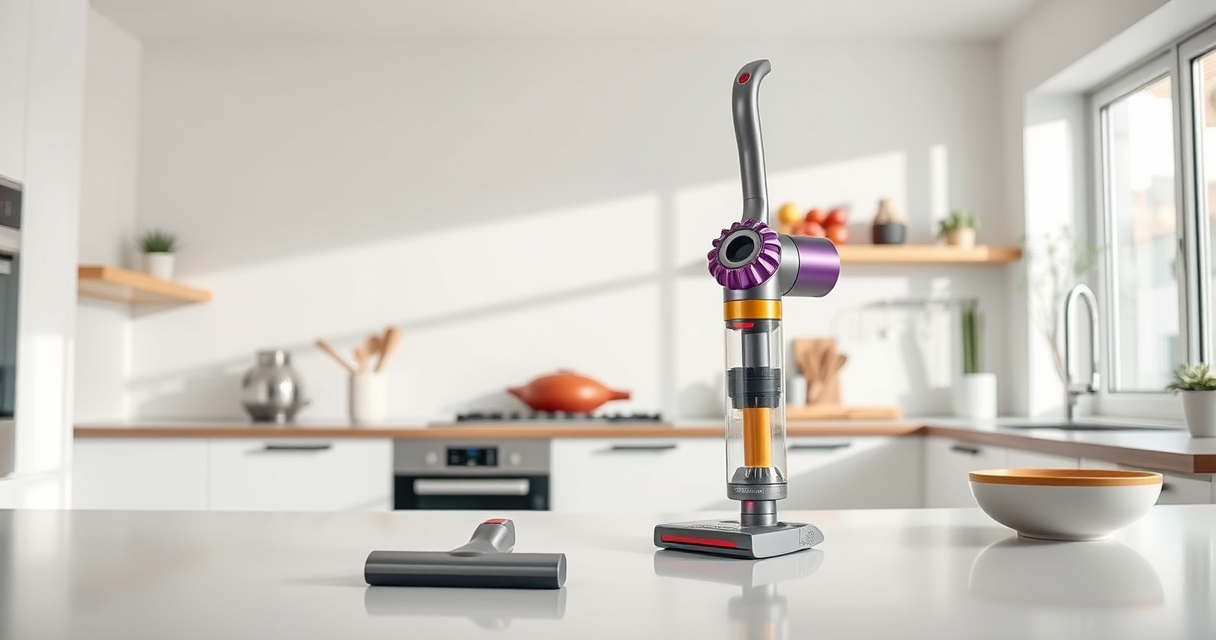
Regular maintenance of your Dyson V15 Detect™ Origin Cordless Vacuum ensures optimal performance and longevity. This guide provides practical, step-by-step instructions for cleaning, replacing filters, troubleshooting common issues, and maintaining your vacuum safely and effectively.
Follow these expert tips to keep your Dyson running smoothly and avoid common problems that can diminish suction or battery life.
Key Takeaways
| Routine cleaning | Regularly clean filters and brushes to maintain suction and efficiency. |
| Filter replacement | Replace or wash filters every 2-3 months for peak performance. |
| Battery care | Charge properly and avoid overcharging to extend battery life. |
| Troubleshooting | Identify common issues like loss of suction or power and resolve promptly. |

Dyson V15 Detect™ Origin Cordless Vacuum
- Deep cleaning with intelligent detection: Reveals invisible dust for thorough cleaning
- Enhanced power and runtime: 100% more power, 60-minute battery life
- Energy-efficient power trigger: Uses power only when needed
As an affiliate, we earn on qualifying purchases.
Cleaning the Vacuum Components
- Turn off and unplug your Dyson V15 Detect™ before cleaning.
- Remove the wand and bin according to the user manual.
- Wash the pre-filter with water, wring out excess water, and let it air dry completely for 24 hours.
- Clean the main filter if applicable, following the manufacturer’s instructions.
- Use a soft brush or cloth to remove dust from the motor and other accessible parts.
Replacing or Washing Filters
Filters are crucial for maintaining suction and preventing dust escape. Depending on your usage, replace or wash them every 2-3 months.
- To wash, rinse the filters under cold water without soap, then air dry thoroughly before reinserting.
- For replacements, use compatible filters like the 3Pack Pre Filters or V10 filters as needed.
Troubleshooting Common Issues
- Loss of suction: Check and clean the filters, empty the bin, and inspect for blockages.
- Battery not charging: Ensure the charger is plugged in correctly and the contacts are clean.
- Vacuum not turning on: Confirm the power trigger is engaged and the battery is charged.
Maintaining Battery & Extending Lifespan
Charge your Dyson regularly and avoid letting the battery fully discharge. Use the power trigger efficiently—only use full power when needed to extend battery life.
Store the vacuum in a cool, dry place and avoid exposure to extreme temperatures.
Additional Tips & Safety Warnings
- Never immerse the entire vacuum in water—only wash removable filters and accessible parts.
- Disconnect the vacuum from power before performing any maintenance or filter changes.
- Use only recommended filters and attachments to prevent damage.
The Products in This Guide

Dyson V15 Detect™ Origin Cordless Vacuum
- ✔ Battery Life: 60 mins
- ✔ Filter Replacement: Every 2-3 months
- ✔ Weight: 4.4 lbs

LANMU Crevice Tool Vacuum Attachments Compatible
- ✔ Nozzle Width: 1.2 inches
- ✔ Compatibility: Most Dyson cordless models
- ✔ Material: Polycarbonate
Dyson V15 Detect™ Origin Cordless Vacuum
The Dyson V15 Detect™ Origin offers deep cleaning with advanced features like dust detection and an LCD display. Proper maintenance ensures long-lasting performance, especially cleaning filters and checking for blockages.
Pros:
- Powerful suction
- Intelligent debris detection
- Long runtime (60 mins)
- Versatile cleaning modes
Cons:
- Requires regular filter washing
- Battery may degrade over time
- Filters need replacement periodically
Best for: Homeowners seeking deep, thorough cleaning with minimal effort
Not ideal for: Users looking for a budget-friendly option or minimal maintenance
Bottom line: Regular maintenance is key to keeping your Dyson V15 performing at its best.
LANMU Crevice Tool Vacuum Attachments Compatible
The LANMU Crevice Tool Vacuum Attachments fit Dyson models and help clean tight spaces in cars, sofas, and corners, making maintenance and daily cleaning easier.
Pros:
- Narrow nozzle fits into tight spaces
- Compatible with multiple Dyson models
- Flexible and slim design
- Easy to attach and use
Cons:
- Not compatible with V6 or canister models
- Requires careful handling to avoid damage
- Limited to narrow cleaning tasks
Best for: Cleaning corners, edges, and hard-to-reach areas
Not ideal for: Heavy-duty deep cleaning or large debris removal
Bottom line: A versatile tool that simplifies reaching into tight spaces.
Frequently Asked Questions
How often should I replace the filters on my Dyson V15?
It is recommended to wash washable filters every 2-3 months and replace non-washable filters as needed, typically every 6-12 months depending on usage.
Why is my Dyson losing suction?
Loss of suction can be caused by clogged filters, full dust bin, or blockages in the wand or cleaner head. Regular cleaning and filter maintenance can resolve this.
Can I wash all parts of my Dyson vacuum?
Only washable parts like filters and certain removable components should be washed. Avoid immersing the motor or electrical parts in water.
What should I do if my vacuum won’t turn on?
Check that the battery is charged, the power trigger is engaged, and there are no blockages or dirt in the brush bar or wand.
Keep Your Dyson V15 in Peak Condition
Regular maintenance, including cleaning filters, checking for blockages, and replacing worn parts, will extend your vacuum’s lifespan and ensure it performs efficiently. Always follow safety guidelines and manufacturer instructions for the best results.
With proper upkeep, your Dyson cordless vacuum will continue to deliver powerful, reliable cleaning for years to come.
Affiliate disclosure: As an Amazon Associate we earn from qualifying purchases. Prices and availability are accurate as of the time of publishing.