If your Dyson V15 Detect™ Origin Cordless Vacuum isn’t maintaining suction, it can be frustrating and impact cleaning efficiency. Often, simple maintenance or troubleshooting steps can restore its power. This guide provides practical, safe, step-by-step instructions to identify and fix common suction problems.
Before starting, gather necessary tools such as replacement filters, crevice tools, and a soft brush. Always ensure the vacuum is turned off and unplugged (if applicable) before performing any maintenance or inspections to ensure safety.
Key Takeaways
| Check for blockages | Blockages in the wand or cleaner head can reduce suction. |
| Clean or replace filters | Dirty or clogged filters significantly impair vacuum power. |
| Inspect the brush bar | Tangled hair or debris can prevent effective cleaning. |
| Examine the seals and connections | Loose or damaged seals can cause loss of suction. |
| Look for motor or battery issues | Malfunctions here can affect overall performance. |

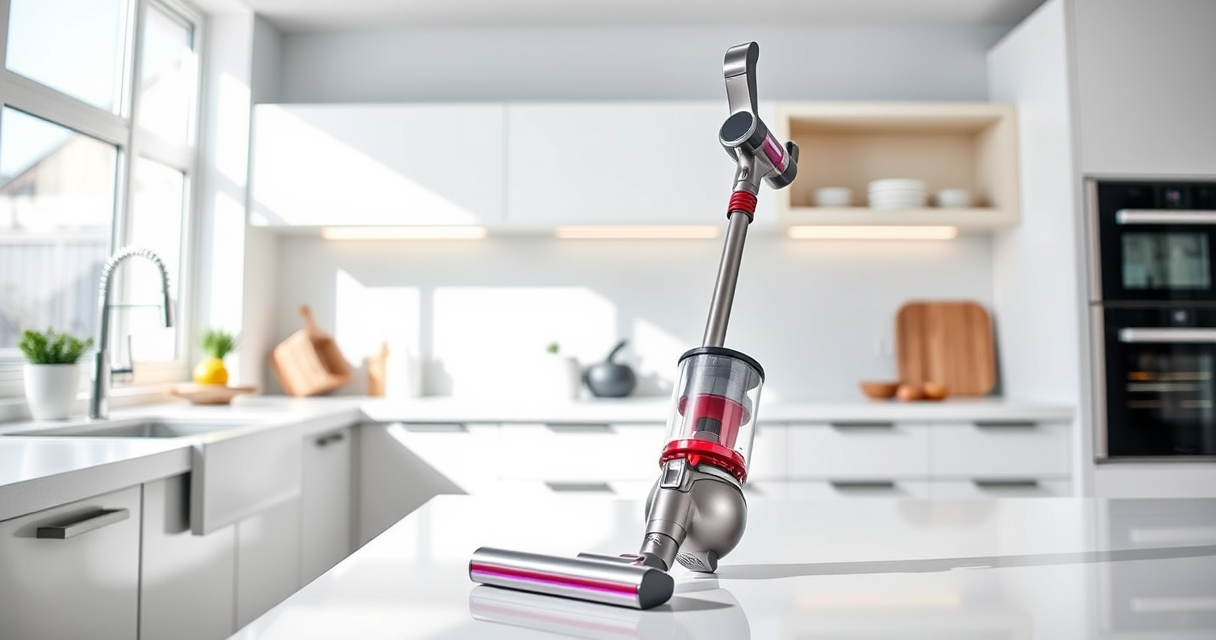
Dyson V15 Detect™ Origin Cordless Vacuum
- Deep cleaning with intelligent detection: Reveals invisible dust for thorough cleaning
- Enhanced power and runtime: 100% more power, 60-minute battery life
- Energy-efficient power trigger: Uses power only when needed
As an affiliate, we earn on qualifying purchases.
Step 1: Turn Off and Unplug the Vacuum
- Ensure the vacuum is turned off using the power trigger.
- Unplug the vacuum from the charging station or wall outlet if applicable.
Step 2: Check for Blockages
- Detach the wand and cleaner head from the main body.
- Inspect the wand, cleaner head, and crevice tool for debris or obstructions.
- Clear any blockages using a long, thin object or gentle brushing.
Step 3: Clean or Replace the Filters
- Remove the pre-filter and main filter from the vacuum following the manufacturer’s instructions.
- Rinse the filters with water and let them air dry completely (at least 24 hours).
- If filters are damaged or excessively dirty, replace them with compatible filters such as the 3Pack Pre Filters or V10 Filters.
Step 4: Examine the Brush Bar and Cleaner Head
- Check the Digital Motorbar cleaner head for tangled hair or debris.
- Remove any obstructions and clean the brush bar thoroughly.
- Ensure the brush bar spins freely and is not damaged.
Step 5: Inspect Seals and Connections
- Check all connections between parts for tightness and damage.
- Replace any damaged seals or gaskets to ensure airtight connections.
The Products in This Guide

Dyson V15 Detect™ Origin Cordless Vacuum
- ✔ Dust detection: Yes
- ✔ Battery life: Up to 60 minutes
- ✔ Weight: Approximately 6.8 lbs

LANMU Crevice Tool Vacuum Attachments Compatible
- ✔ Width: Slim nozzle
- ✔ Flexibility: High
- ✔ Compatibility: Most Dyson cordless vacuums
Dyson V15 Detect™ Origin Cordless Vacuum
The Dyson V15 Detect™ Origin Cordless Vacuum offers powerful suction and intelligent features like debris detection and a digital display. Regular maintenance ensures it performs at its best.
Pros:
- Powerful suction
- Intelligent debris detection
- Long battery life
- Versatile cleaning modes
Cons:
- Filters require regular cleaning
- Can be heavy for some users
- Complex for first-time users
Best for: Whole-home deep cleaning, pet hair, and hard-to-reach areas
Not ideal for: Light, quick cleanups or if you prefer a lightweight vacuum
Bottom line: A powerful, smart vacuum that benefits from regular maintenance for optimal suction.
LANMU Crevice Tool Vacuum Attachments Compatible
The LANMU Crevice Tool Vacuum Attachments are compatible with Dyson models and help reach tight spots like corners, upholstery, and car interiors, making your cleaning more thorough.
Pros:
- Narrow nozzle for tight spaces
- Flexible and durable
- Easy to attach
- Compatible with multiple Dyson models
Cons:
- Additional attachment to store
- May require adaptation for some models
- Not a direct Dyson part
Best for: Cleaning corners, car interiors, and small crevices
Not ideal for: For general large surface cleaning
Bottom line: A handy accessory to improve reach and cleaning precision.
Frequently Asked Questions
How often should I clean or replace the filters?
It is recommended to rinse the filters every 1-3 months and replace them every 6-12 months depending on usage and visibility of dirt.
Why is my vacuum losing suction even after cleaning?
Possible causes include clogged filters, blockages in the wand or head, or worn-out seals. Follow the troubleshooting steps to address these issues.
Can I use any filters with my Dyson?
Use filters specifically designed or recommended for your Dyson model. The 3Pack Pre Filters or V10 Filters are compatible with certain Dyson series.
Is it safe to rinse the filters with water?
Yes, most Dyson filters are washable. Ensure they are completely dry before reinstalling to prevent damage or mold growth.
Keep Your Dyson at Peak Performance
Regular maintenance, including cleaning filters, checking for blockages, and inspecting the brush head, can dramatically improve your Dyson vacuum’s suction power. Follow these steps to troubleshoot common issues, and your vacuum will serve you well for many cleaning sessions to come.
Affiliate disclosure: As an Amazon Associate we earn from qualifying purchases. Prices and availability are accurate as of the time of publishing.