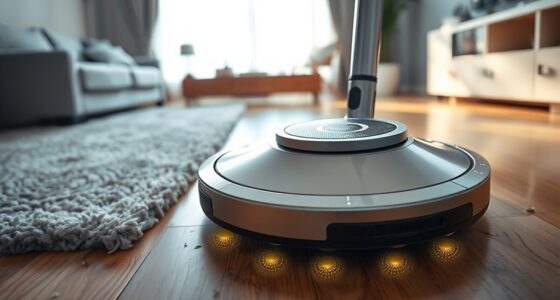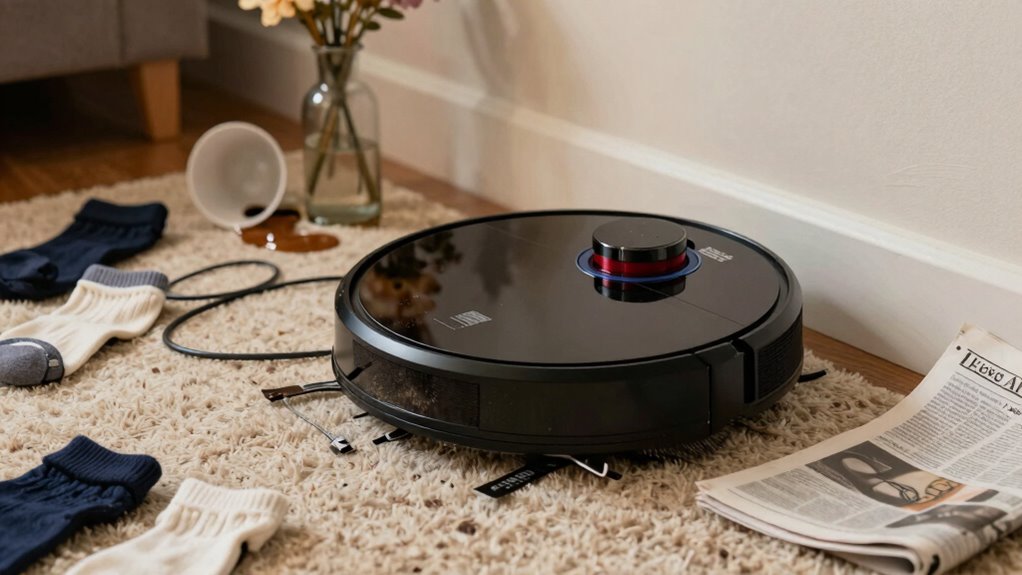
The biggest mistakes people make with robot vacuums include neglecting proper charging routines, which shortens battery life, and leaving the area unprepared, causing the machine to get stuck or miss spots. Ignoring sensor cleaning and firmware updates leads to navigation errors and collisions. Running the vacuum during household activity or without clearing clutter disrupts cleaning quality. If you want to avoid these pitfalls and maximize your vacuum’s performance, keep exploring to discover more helpful tips.

Get cleaning gear delivered free with Prime
- Fast, free delivery on millions of items
- Prime Video, Amazon Music and more included
- Member-only deals all year
Key Takeaways
- Neglecting proper charging habits, leading to reduced battery life and shorter runtimes.
- Failing to clear clutter and secure cords, causing blockages and damage during cleaning.
- Ignoring sensor cleaning and firmware updates, resulting in navigation errors and collisions.
- Not configuring boundaries or virtual walls, limiting the vacuum’s effective area.
- Running the vacuum during household activity, causing obstacles and incomplete cleaning.
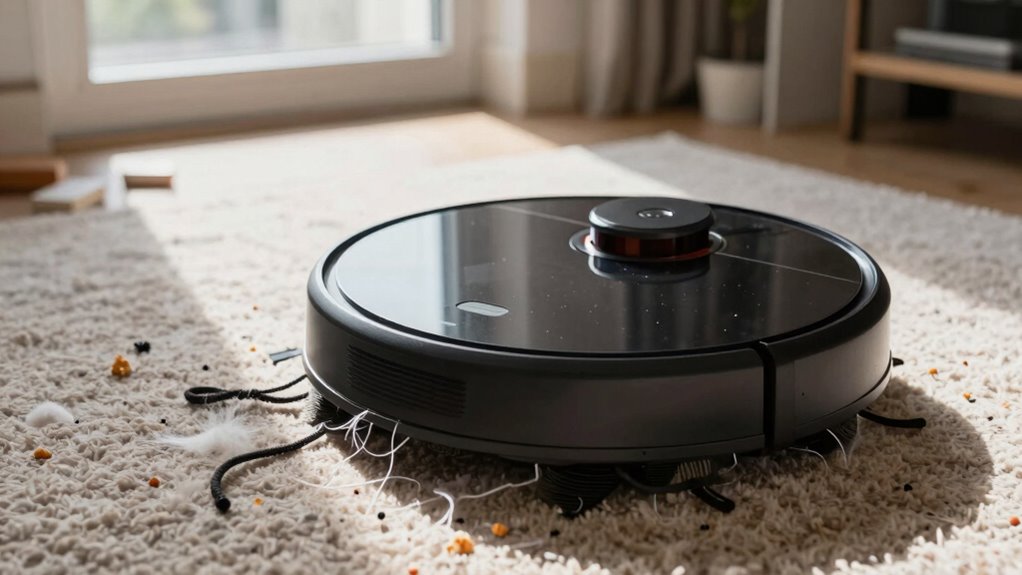
Robot vacuums have become a popular solution for quick and convenient cleaning, but many users make common mistakes that can hinder their effectiveness. One of the biggest issues revolves around charging habits. If you don’t consistently place your robot on its charging dock after each use or leave it uncharged for long periods, you risk reducing its battery life and overall performance. Over time, neglecting proper charging routines can lead to shorter runtimes and more frequent need for battery replacements. It’s best to establish a habit of returning your robot to its dock once cleaning is finished, especially if it’s scheduled to run regularly. This guarantees the battery stays healthy and the vacuum is ready to clean when you need it.
Navigation errors are another common mistake that affects how well your robot vacuum cleans your space. Many users overlook the importance of clearing the area in front of the robot or fail to secure loose cords, small objects, or clutter that could obstruct its path. These navigation errors cause the vacuum to get stuck, miss spots, or even damage itself. To maximize efficiency, you should regularly tidy up the floor, especially in high-traffic areas. Additionally, take the time to understand your vacuum’s mapping system, if it has one. Properly configuring its boundaries and virtual walls can prevent it from wandering into areas you don’t want cleaned or getting lost. Regularly cleaning the sensors also ensures that the robot’s navigation system operates with accurate obstacle detection, reducing errors and improving overall performance. It’s also beneficial to update your vacuum’s firmware when available, as manufacturers often improve navigation features and software reliability.
Another frequent mistake related to navigation is ignoring the robot’s sensor maintenance. Dust, hair, and debris can accumulate on sensors and impede the vacuum’s ability to detect obstacles accurately. This can lead to unnecessary collisions or navigation errors. Regularly cleaning the sensors with a soft cloth and ensuring they are unobstructed can considerably improve your vacuum’s ability to navigate smoothly. Incorporating routine sensor checks can also help detect sensor malfunctions early, preventing larger issues down the line. Additionally, keeping the sensors free of dust can help maintain consistent navigation performance, especially in environments with a lot of debris. Proper sensor maintenance is crucial to keep the vacuum functioning optimally, especially if you notice a decline in its ability to avoid obstacles or complete cleaning cycles effectively.
Furthermore, many users underestimate the importance of scheduling cleaning times that align with their household routines. Running the vacuum when people are out or asleep minimizes conflicts with household activity and reduces the chances of the robot encountering unexpected obstacles. Proper scheduling also allows the robot to complete its task without interruption, leading to more thorough cleaning.
As an affiliate, we earn on qualifying purchases.
Frequently Asked Questions
How Often Should I Replace the Robot Vacuum Filters?
You should replace your robot vacuum filters every 1 to 3 months, depending on usage and filter type. Regular filter maintenance is essential to keep your vacuum running efficiently and prevent clogs. Follow your manufacturer’s recommended replacement schedule to guarantee peak performance. If you notice reduced suction or increased dust, it’s a sign to change the filter sooner. Consistent replacements keep your robot vacuum functioning like new.
Can Robot Vacuums Clean Pet Hair Effectively?
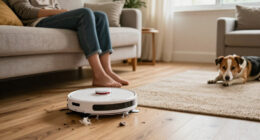
Surprisingly, your robot vacuum can handle pet hair, but don’t expect miracles. Pet hair clogging and hair entanglement often trip it up, especially around brushes and filters. Ironically, the very fur your pet sheds can jam the system if you don’t clean the brushes regularly. To keep it effective, check for pet hair buildup often, and trim your pet’s hair if it becomes a recurring problem.
Are Robot Vacuums Safe on All Floor Types?
Robot vacuums are generally safe on most floor types, but you should check their floor compatibility before use. They work well on hardwood, tile, and low-pile carpets, but may struggle with thick carpets or uneven surfaces. Safety concerns can arise if you have loose cords or fragile items, so clear the area. Always read the manufacturer’s guidelines to guarantee your robot vacuum’s safe operation on your specific floors.
How Do I Troubleshoot Wi-Fi Connectivity Issues?
If your robot vacuum has Wi-Fi connectivity issues, start by checking your Wi-Fi signal strength; a weak signal can disrupt the connection. Make sure your firmware is up to date, as manufacturers often release updates that fix bugs and improve stability. Restart your router and vacuum, then reconnect your device. Moving the vacuum closer to your router can also improve the connection, making troubleshooting more effective.
What’s the Best Way to Update the Robot Vacuum’s Software?
To update your robot vacuum’s software, start by checking the manufacturer’s app for firmware updates. Make sure your vacuum is connected to Wi-Fi, then open the app and look for an update or firmware section. App synchronization is essential; confirm your device is paired properly. Follow the prompts to download and install updates. Regularly updating firmware keeps your vacuum running smoothly and adds new features, preventing common issues.
Conclusion
Don’t let small mistakes turn your robot vacuum into a bigger headache. By avoiding these common errors, you’ll keep your device running smoothly and your floors spotless. Remember, a stitch in time saves nine—address issues early to prevent costly repairs or replacements down the road. Keep your robot happy, and it’ll do the heavy lifting for you. Stay vigilant, and you’ll enjoy the convenience without the chaos.
Halloween Picks
halloween
As an affiliate, we earn on qualifying purchases.