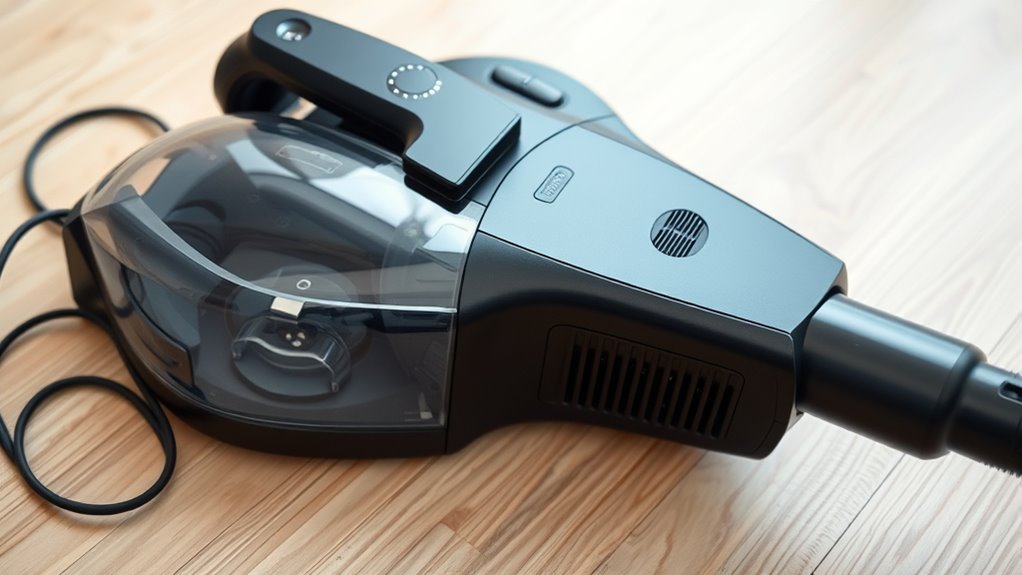

If your vacuum keeps shutting off, it’s likely due to overheating sensors detecting high temperatures from issues like clogged filters, blockages, or battery problems. To fix this, regularly clean or replace filters, clear any obstructions, and make certain your battery is in good condition. Also, avoid overusing it for long periods to prevent heat buildup. Taking these steps can help stop false triggers, and if you continue, you’ll discover more tips to keep your vacuum running smoothly.

Get cleaning gear delivered free — and shop member deals
- Fast, free delivery on millions of items
- Access to Prime Big Deal Days deals on October 6–7
- Prime Video, Amazon Music and more included
Key Takeaways
- Regularly clean or replace filters to ensure proper airflow and prevent motor overheating.
- Check and clear blockages in hoses, vents, and brush rolls to reduce motor strain.
- Maintain batteries by charging fully and inspecting for damage to avoid excessive heat buildup.
- Avoid continuous use; give your vacuum breaks to cool down and prevent overheating sensor triggers.
- Perform routine maintenance, including cleaning air pathways and inspecting components, to minimize false overheating alarms.
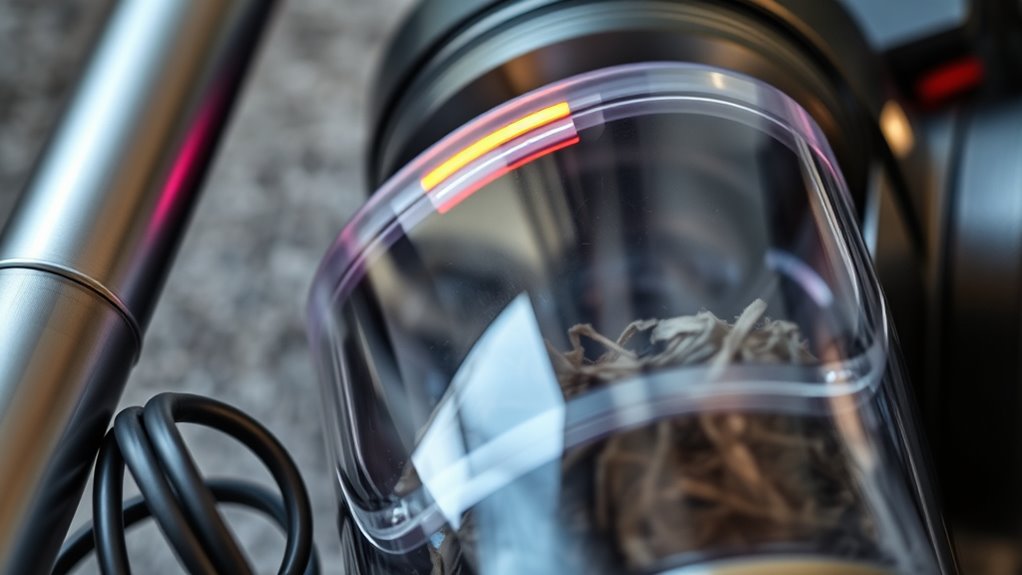
If your vacuum keeps shutting off unexpectedly, overheating sensors might be to blame. Modern vacuums are equipped with thermal sensors to protect their motors from damage caused by excessive heat. When these sensors detect high temperatures, they automatically shut down the device to prevent overheating. This safety feature, while helpful, can become frustrating if it’s triggered frequently. To address this, start by performing regular battery maintenance if your vacuum is cordless. A poorly maintained battery can generate excess heat, causing the sensors to activate prematurely. Make sure your battery is fully charged, and if it’s removable, check for any signs of damage or swelling. Replacing an old or faulty battery can considerably reduce overheating issues and improve overall performance.
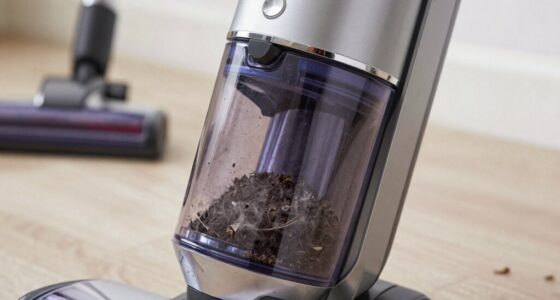
Another critical aspect of preventing overheating is maintaining your vacuum’s filters. Clogged or dirty filters restrict airflow, forcing the motor to work harder and generate more heat. Regular filter replacement is essential to keep the airflow smooth and prevent the motor from overheating. Depending on your vacuum model, filters may need replacing every few months, especially if you vacuum frequently or have pets that shed hair. Always follow the manufacturer’s guidelines for filter maintenance, and consider cleaning reusable filters regularly to extend their lifespan. When filters become saturated with debris, airflow is impeded, and the motor heats up unnecessarily, activating the overheating sensors.
Beyond battery maintenance and filter replacement, it’s wise to check for blockages in the vacuum’s hose, brush roll, or air pathways. Obstructions can cause strain on the motor, leading to heat buildup. Clearing these blockages can restore proper airflow and reduce the likelihood of shut-offs. Additionally, ensure the vacuum’s vents are free of dust and debris, as blocked vents prevent heat dissipation and can cause the device to overheat. If you notice your vacuum overheating often, consider giving it a break between cleaning sessions to let the motor cool down. Running a vacuum continuously for long periods can tax the motor and trigger the overheating sensors more frequently. Incorporating proper maintenance routines can help prevent overheating sensors from activating unnecessarily.
As an affiliate, we earn on qualifying purchases.
Frequently Asked Questions
How Often Should I Replace the Vacuum’s Overheating Sensors?
You should replace your vacuum’s overheating sensors every 1 to 2 years, depending on sensor durability and usage. Regularly check for signs of malfunction, like frequent shutting off or overheating alerts. If your vacuum is older or the sensors show wear, it’s wise to substitute them sooner. Following recommended replacement intervals helps ensure your vacuum runs smoothly and prevents overheating issues, saving you time and repair costs.
Can I Prevent My Vacuum From Overheating Altogether?
You can prevent your vacuum from overheating by regularly checking its dust buildup and maintaining a healthy battery lifespan. Coincidentally, a dusty filter or motor can cause overheating, so cleaning filters and vents often helps. Avoid overusing the vacuum, and don’t ignore signs of battery wear. These simple steps keep it running smoothly, reducing the risk of overheating and keeping your home spotless without interruptions.
Are Certain Vacuum Models More Prone to Sensor Malfunctions?
Yes, some vacuum models are more prone to sensor malfunctions due to design differences. When choosing a vacuum, consider model compatibility and how easily you can perform sensor calibration. Cheaper or less advanced models may have less reliable sensors, increasing the chances of overheating and shutdowns. To minimize issues, opt for reputable brands, follow calibration instructions, and keep sensors clean. Proper maintenance helps guarantee your vacuum runs smoothly longer.
What Signs Indicate a Sensor Malfunction Before Shutdown?
You might notice your vacuum’s sensor diagnostic signals, such as inconsistent power or unexpected shutdowns, before it completely shuts off. Look for irregular behavior like sudden stops or error lights. Troubleshooting tips include checking for debris blocking sensors or resetting the device. If issues persist, consult your vacuum’s manual or contact support to guarantee sensors are functioning properly, preventing future overheating and shutdowns.
Is Professional Repair Necessary for Sensor-Related Issues?
You don’t always need a professional repair for sensor-related issues. Start with DIY troubleshooting, like cleaning or recalibrating the sensors, which can often resolve overheating problems. If these steps don’t fix the issue, then consider professional repair. Proper sensor calibration is essential, and a technician can ensure everything’s aligned correctly. Saving money and time is possible with simple DIY fixes, but don’t hesitate to seek expert help if needed.
Conclusion
When your vacuum keeps shutting off, overheating sensors might be the culprit, warning you to pause and cool down. It’s frustrating when a device designed to clean becomes a hurdle, yet addressing these sensors restores its purpose. Think of it as a pause in your cleaning routine, a chance to prevent damage and ensure longevity. By fixing overheating issues, you turn a frustrating shutdown into a smooth, efficient cleaning experience—proof that small fixes make a big difference.
Evergreen bestsellers Picks
bestsellers
As an affiliate, we earn on qualifying purchases.