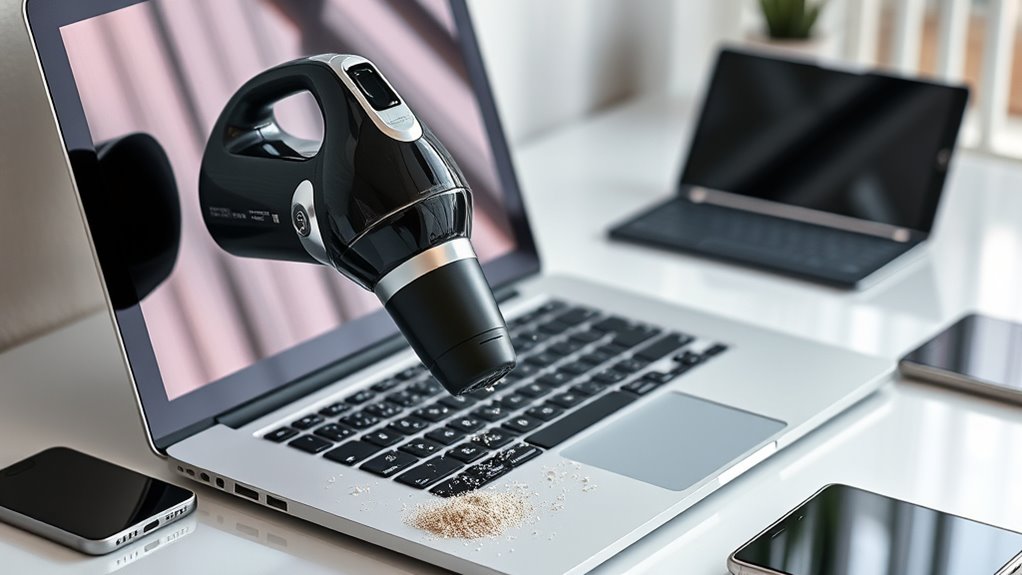

Vacuuming your keyboards and electronics is essential for keeping them in top shape. Dust and crumbs can build up, causing keys to stick and devices to malfunction. Use a handheld vacuum with a soft attachment, and remember to power down your devices first. By regularly vacuuming, you enhance performance and extend the life of your equipment. Plus, combining vacuuming with a soft brush or cloth can boost cleanliness even more. Discover more tips for effective electronic maintenance!
Key Takeaways
- Regular vacuuming of keyboards prevents dust buildup, improves functionality, and enhances workspace aesthetics.
- Use a handheld vacuum with a soft attachment to safely clean delicate keys without causing damage.
- Power down devices before vacuuming to avoid accidental key presses and potential malfunctions.
- Manage static electricity by using anti-static vacuum attachments and applying anti-static spray post-cleaning.
- Combine vacuuming with a soft brush or microfiber cloth for more thorough cleaning and maintenance.
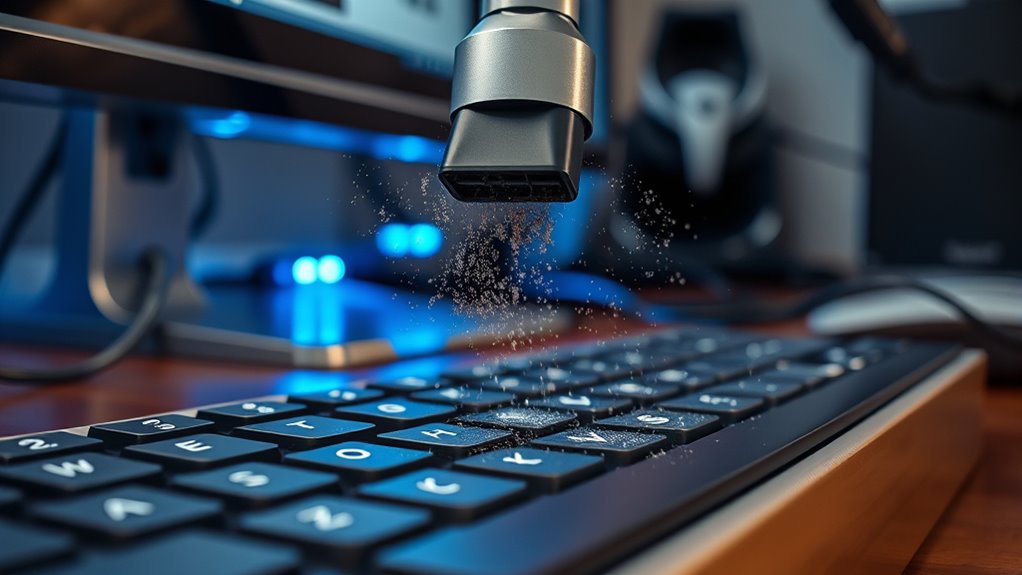
While many people overlook cleaning their electronics, vacuuming keyboards can considerably enhance their performance and longevity. Think about it—your keyboard is a hotspot for dust, crumbs, and other debris that accumulate over time. Ignoring this buildup can lead to malfunctioning keys and even more significant issues down the line. By implementing a regular cleaning routine, you not only improve the aesthetics of your workspace but also create a more efficient typing experience.
When you vacuum your keyboard, you’re engaging in effective dust removal. A handheld vacuum with a soft attachment is ideal for this task. It allows you to gently suck up dirt without risking damage to the delicate keys. Before you start, turn off your device to avoid any accidental key presses. Once you’ve powered down, hold your keyboard at an angle to let the debris fall out, making it easier for the vacuum to pick up. This simple action can save you from the frustration of sticky or unresponsive keys.
Another vital aspect to think about is static electricity. While you may not think about it often, your electronics can accumulate static charges, especially in dry environments. This can become problematic when dust particles cling to your devices due to that charge. When vacuuming, be mindful of static electricity; using an anti-static vacuum attachment can help mitigate this issue. It ensures that you’re not creating more problems as you attempt to clean. Additionally, consider using an anti-static spray on your keyboard after cleaning. This can help prevent dust buildup in the future.
You might also want to incorporate a soft brush or microfiber cloth into your cleaning routine. After vacuuming, a quick wipe-down removes any remaining dust that may have settled. This dual approach of vacuuming followed by dust removal with a cloth ensures that your keyboard remains in top condition. Plus, it shows your electronics some love, which can enhance their lifespan. Regular cleaning is essential for maintaining optimal performance of your devices.
Incorporate a soft brush or microfiber cloth for a thorough clean, ensuring your keyboard stays in top condition and lasts longer.
Ultimately, taking a few minutes to vacuum your keyboard can lead to noticeable improvements in both its functionality and appearance. It’s a simple yet effective way to maintain your electronics. So, don’t overlook this essential habit. Make it part of your regular cleaning routine, and you’ll enjoy a cleaner, more responsive keyboard that lasts longer.
Frequently Asked Questions
Can Vacuuming Damage My Keyboard or Electronics?
Yes, vacuuming can damage your keyboard or electronics. The suction can create electrostatic discharge, which may harm sensitive components. Plus, if you’re using a vacuum with a strong static charge, it can attract dust rather than remove it effectively. Instead, consider using a soft brush or compressed air to get rid of dust without risking damage. It’s safer and more effective for keeping your devices clean without the potential hazards of vacuuming.
What Type of Vacuum Is Best for Electronics?
When it comes to vacuuming electronics, think of it like choosing the right brush for a delicate painting. You want something with gentle airflow techniques that won’t harm sensitive components. A vacuum with a soft brush attachment is your best bet, as it provides a balance between suction and safety. Brands that offer suitable tools for this purpose often include specialized attachments designed for electronics, ensuring you keep your devices clean without risk.
How Often Should I Vacuum My Keyboard?
You should vacuum your keyboard at least once a month to keep keyboard dust at bay. If you work in a particularly dusty environment or use it frequently, consider increasing the vacuum frequency to every two weeks. Regular maintenance helps prevent buildup and guarantees your keyboard stays functional. Just make sure to use a vacuum with a soft brush attachment to avoid damaging the keys or the delicate components underneath.
Are There Alternatives to Vacuuming for Cleaning Keyboards?
Yes, there are several alternatives to vacuuming for keyboard cleaning. You can use compressed air to blow away debris and electronic dust removal tools like sticky putty or keyboard brushes to lift grime from between the keys. Additionally, you might consider using a microfiber cloth slightly dampened with isopropyl alcohol for disinfecting surfaces. These methods can effectively maintain your keyboard’s cleanliness without the hassle of vacuuming.
Can I Vacuum My Laptop Without Causing Harm?
You can vacuum your laptop, but it’s risky. Did you know that over 80% of laptops have dust buildup affecting their performance? When vacuuming, you might create static electricity that could damage internal components. If you decide to vacuum, use a low-suction attachment and avoid touching the laptop directly. A safer option is to use compressed air to blow out dust without risking static buildup or harm to your device.
Conclusion
In the end, keeping your keyboards and electronics clean can save you from bigger headaches down the line. As the saying goes, “A stitch in time saves nine.” By regularly vacuuming away dust and debris, you’re not just enhancing their lifespan, but also improving your overall experience. So, grab that vacuum and tackle those pesky crumbs; your devices will thank you, and you’ll enjoy a cleaner, more efficient workspace!