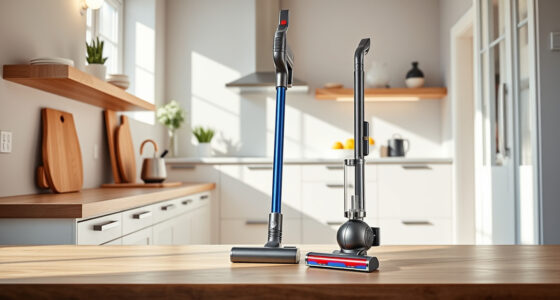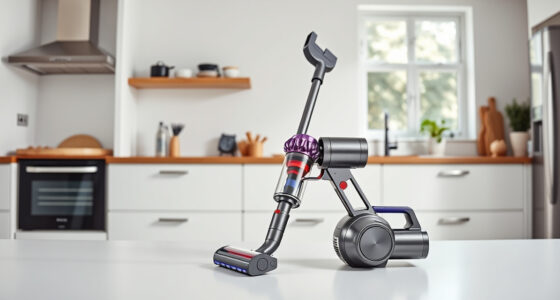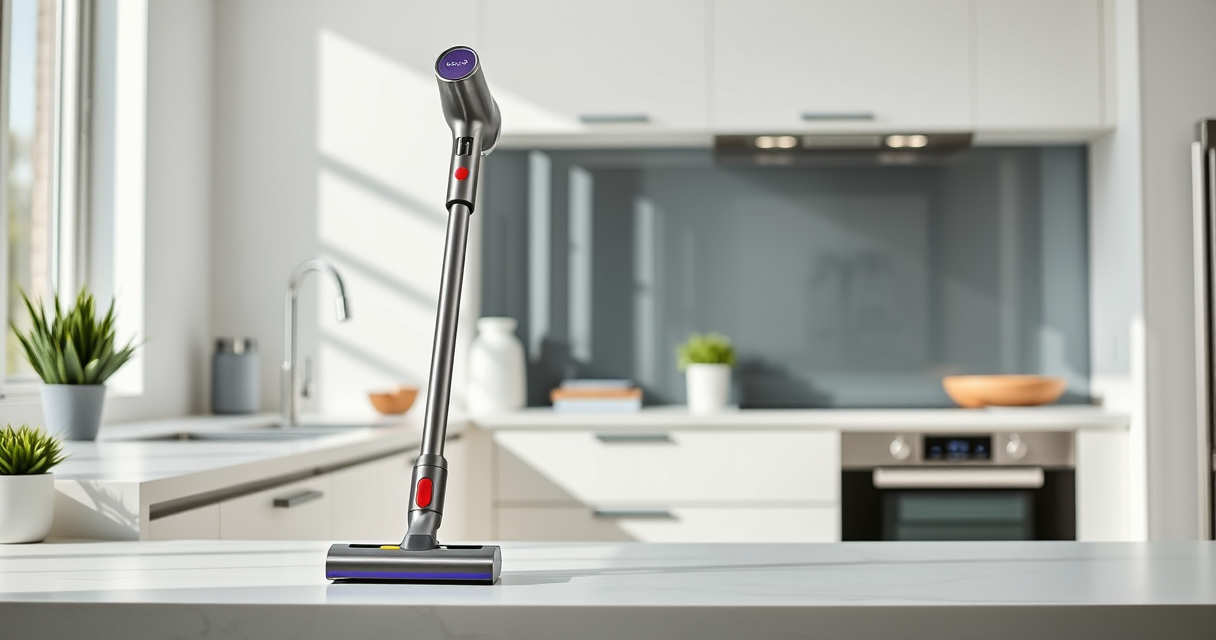
Regular cleaning of your Dyson Gen5detect vacuum is essential to maintain its powerful performance and extend its lifespan. Properly cleaning filters, attachments, and the main unit can prevent clogs, improve suction, and ensure your machine remains in top condition. This guide provides clear, safe, and effective steps to keep your Dyson Gen5detect working like new.

Get cleaning gear delivered free with Prime
- Fast, free delivery on millions of items
- Prime Video, Amazon Music and more included
- Member-only deals all year
Follow these detailed instructions and tips to perform routine maintenance confidently and safely, avoiding damage and ensuring the best cleaning results.
Key Takeaways
| Routine Filter Cleaning | Keeps suction high and maintains airflow. |
| Attachment Maintenance | Ensures tools remain effective for hard-to-reach spots. |
| Main Body Care | Prevents dust buildup and maintains electronics. |
| Safety Precautions | Always unplug before cleaning to avoid electric shock. |
Preparing to Clean Your Dyson Gen5detect
- Turn off and unplug the vacuum from the power source.
- Remove all attachments, brushes, and filters from the main unit.
Cleaning the Filters
- Take out the pre-filters and main filters. Use the filter replacement set if needed.
- Rinse the filters under cold water until the water runs clear. Do not use detergents.
- Allow filters to air dry completely for at least 24 hours before reinstalling.
Regular cleaning of filters (every 2-3 months) ensures optimal airflow and suction power.
Cleaning the Main Body and Attachments
- Wipe the exterior of the vacuum with a damp cloth, avoiding openings and electronic components.
- Use a soft brush or cloth to remove dust from the LCD screen and vents.
- Clean attachments and brushes with warm soapy water, then dry thoroughly before reuse.
Cleaning the Crevice Tool and Small Attachments
- Detach the crevice tool and other small attachments.
- Use a damp cloth or a soft brush to remove dust and debris.
- For stubborn dirt, rinse with water and dry completely before attaching back.
Reassembling and Final Checks
- Reinstall filters once completely dry.
- Attach cleaned tools and ensure all parts are securely in place.
- Turn on the vacuum briefly to check for proper operation.
Perform routine inspections and cleaning every few months to keep your Dyson Gen5detect performing at its best.
The Products in This Guide
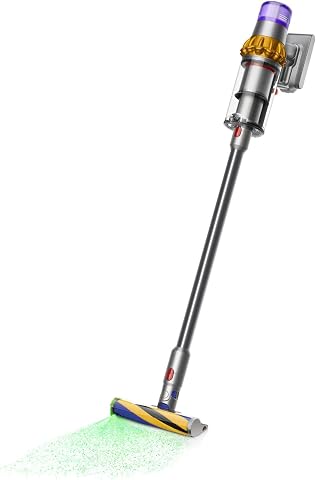
Dyson V15 Detect Total Clean Extra
- ✔ Filter Type: Pre and main filters
- ✔ Cleaning Time: Up to 60 mins
- ✔ Filter Replacement: Every 2-3 months

LANMU Crevice Tool Vacuum Attachments Compatible
- ✔ Length: Approx. 12 inches
- ✔ Weight: Less than 1 lb
- ✔ Material: Plastic and rubber
Dyson V15 Detect Total Clean Extra
<p>The Dyson V15 Detect Total Clean Extra offers cutting-edge technology for whole-home cleaning. Regular maintenance, including filter and attachment cleaning, is key to keeping it performing optimally.</p>
Pros:
- Powerful suction
- Intelligent debris detection
- Long battery life
- LCD display for real-time info
Cons:
- Requires regular filter cleaning
- Refurbished units may need initial checks
Best for: Deep cleaning homes with diverse flooring
Not ideal for: For those who prefer minimal maintenance
Bottom line: Routine cleaning ensures your Dyson V15 Detect stays at peak performance.
LANMU Crevice Tool Vacuum Attachments Compatible
<p>The LANMU Crevice Tool Vacuum Attachments are perfect for reaching into narrow spots and corners, making your Dyson cleaning routine more thorough and effective.</p>
Pros:
- Narrow nozzle for tight spaces
- Compatible with multiple Dyson models
- Flexible and durable
- Easy to attach and clean
Cons:
- Not compatible with V6 or canister models
- Slightly narrower for general cleaning
Best for: Cleaning hard-to-reach spots in home or car
Not ideal for: For large debris or broad surface cleaning
Bottom line: A versatile tool for detailed cleaning in tight spaces.
Frequently Asked Questions
How often should I clean the filters on my Dyson Gen5detect?
It is recommended to clean the filters every 2-3 months, or more frequently if you notice reduced suction or airflow.
Can I wash the filters with soap?
No, it is best to rinse the filters with cold water only. Avoid using detergents or brushes that could damage the filters. Allow them to dry completely before reinstalling.
What should I do if my vacuum is not turning on after cleaning?
Ensure the battery is charged, all parts are correctly assembled, and the filters are dry. If problems persist, contact Dyson support for assistance.
Are refurbished Dyson vacuums reliable?
Yes, Dyson refurbished models are inspected, tested, and renewed by experts to meet high standards, providing reliable performance similar to new units.
Keep Your Dyson Gen5detect in Peak Condition
Regular maintenance is key to ensuring your Dyson Gen5detect continues to deliver superior cleaning power. Follow these easy steps for filter, attachment, and body cleaning to maximize efficiency and lifespan. With proper care, your vacuum will serve you well for years to come, maintaining a cleaner and healthier home environment.
Affiliate disclosure: As an Amazon Associate we earn from qualifying purchases. Prices and availability are accurate as of the time of publishing.
Evergreen bestsellers Picks
bestsellers
As an affiliate, we earn on qualifying purchases.