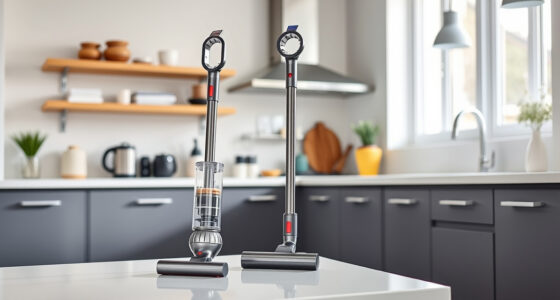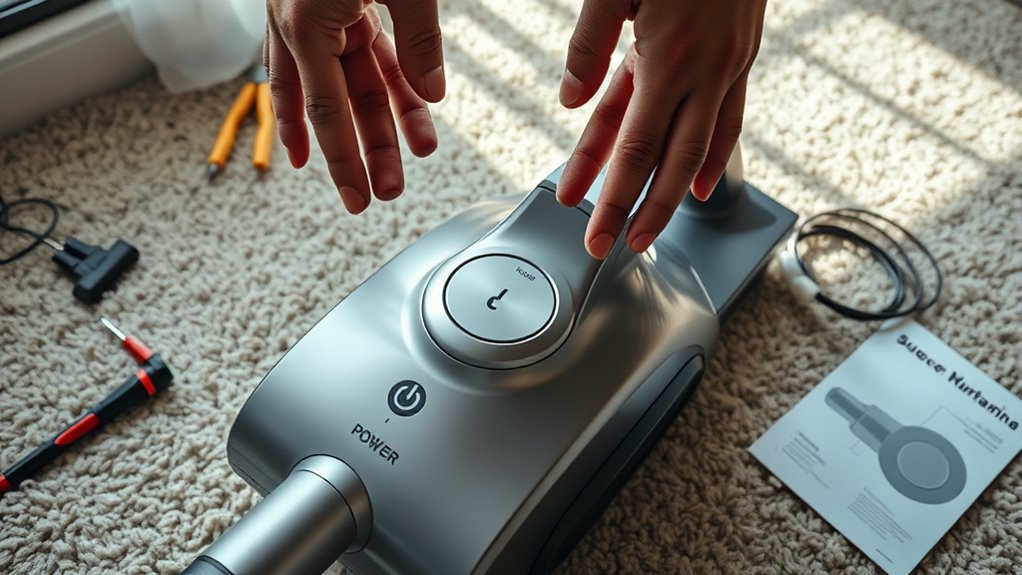

If your vacuum won’t turn on, start by checking if it’s properly plugged in and the power cord is undamaged. Test the outlet with another device to confirm it’s working. If you have a cordless vacuum, ensure the battery is charged. Inspect filters for debris and make sure they’re installed correctly. Also, check the power switch for any sticking issues. These simple steps can often solve the problem, but there’s more to explore if the issue persists.

Get cleaning gear delivered free — and shop member deals
- Fast, free delivery on millions of items
- Access to Prime Big Deal Days deals on October 6–7
- Prime Video, Amazon Music and more included
Key Takeaways
- Ensure the vacuum is properly plugged in and the power cord is undamaged.
- Test the outlet with another device to confirm it supplies power.
- Check if the vacuum’s battery is charged and replace if necessary.
- Inspect filters for debris and ensure they are clean and properly installed.
- Verify the power switch is functioning and consult the manufacturer’s guide if issues persist.
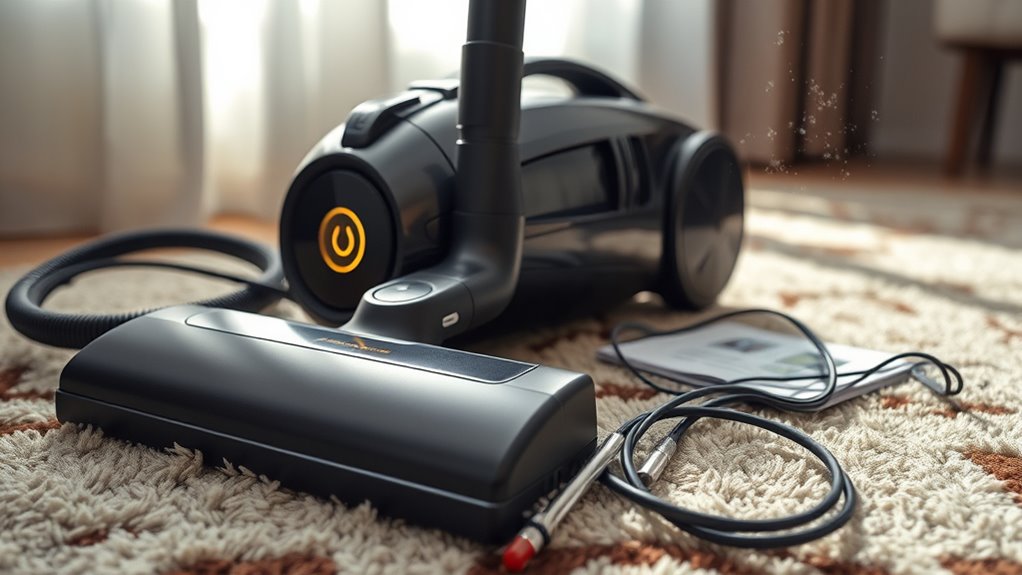
If your vacuum won’t turn on, don’t panic just yet; there are several troubleshooting steps you can take to get it back up and running. First, check to see if it’s plugged in properly. Sometimes, the cord can come loose or the plug might not be fully engaged in the socket, leading you to think your vacuum is dead. Make sure the power cord isn’t frayed or damaged, as this could also affect the vacuum’s performance.
Next, let’s explore power outlet troubleshooting. Plug another device into the same outlet to see if it works. If that device powers on, the problem likely lies with your vacuum. However, if it doesn’t work either, you might need to check your circuit breaker or try a different outlet altogether. It’s an easy fix that often gets overlooked.
If your vacuum’s cordless, you might need to think about battery replacement. Ensure the battery is charged; sometimes, it just needs a little more time on the charger. If after charging, it still won’t turn on, the battery may be worn out. Many batteries have a lifespan, and if yours is nearing that limit, it’s worth looking into a replacement. Before purchasing a new battery, double-check your vacuum’s manual for specifications and compatibility.
While you’re at it, inspect the vacuum’s filters and dust containers. A clogged filter might not allow your vacuum to turn on at all, as most models have safety features that prevent operation under certain conditions. Clear out any debris, and wash filters if they’re reusable. After that, reassemble everything and give it another go.
Another thing to contemplate is the power switch itself. Sometimes, the switch can become stuck or malfunction. Gently wiggle it or give it a firm press to see if it comes back to life.
Lastly, if all else fails, consult the manufacturer’s guide or reach out to customer support. They can provide specific advice and help troubleshoot further. By following these steps, you’ll increase your chances of getting that vacuum running again. Remember, a little patience can go a long way in troubleshooting and resolving these minor issues. Additionally, being aware of safety features in your vacuum can help you understand why it may not turn on under certain conditions.
vacuum cleaner power cord replacement
As an affiliate, we earn on qualifying purchases.
As an affiliate, we earn on qualifying purchases.
Frequently Asked Questions
Can I Disassemble My Vacuum for Troubleshooting?
Yes, you can disassemble your vacuum for troubleshooting, but make sure you prioritize disassembly safety. Start by unplugging it to avoid any electrical hazards. Follow the manufacturer’s instructions for disassembly to guarantee you don’t damage any components. Once you’ve accessed the inner parts, check for clogs, loose connections, or worn-out parts as part of your troubleshooting steps. Always keep track of screws and parts to reassemble it correctly afterward.
How Often Should I Clean My Vacuum Filters?
You should clean your vacuum filters every three to six months for ideal performance. Surprisingly, a well-maintained filter can improve vacuum efficiency by up to 30%! Regular vacuum filter maintenance helps prevent clogs and ensures your vacuum runs smoothly. If you notice decreased suction, it might be time to check the filters sooner. Keeping up with cleaning filter frequency not only extends your vacuum’s life but also keeps your home cleaner.
What Common Vacuum Parts Need Replacing?
Common vacuum parts you may need to replace include the vacuum belt and motor brushes. If your vacuum’s suction weakens or if it makes unusual noises, check these components first. A worn-out belt can slip or break, affecting performance, while worn motor brushes can lead to motor damage. Regular maintenance and timely replacement of these parts can help extend your vacuum’s lifespan and keep it running efficiently. Don’t wait too long to address these issues!
Are There Vacuum Models Less Likely to Fail?
Certain vacuum brands boast a reliability rate of up to 90%, which means fewer failures. Brands like Dyson and Shark consistently receive high marks for durability. To guarantee your vacuum’s longevity, follow essential maintenance tips like regularly changing filters and emptying dust canisters. You’ll find that investing in a reliable vacuum and maintaining it properly can save you time and money in the long run, keeping your cleaning routine hassle-free.
Can a Vacuum Overheat and Shut Down?
Yes, a vacuum can overheat and shut down. Overheating causes can include blockages in filters or hoses, which restrict airflow and lead to excessive heat. Most vacuums have built-in cooling mechanisms to prevent damage, but if they can’t cool down quickly enough, the vacuum will shut off for safety. To avoid this, regularly check for clogs, clean filters, and guarantee proper airflow during use. Keep your vacuum running smoothly by maintaining it well!
Conclusion
If your vacuum won’t turn on after checking the basics, don’t lose hope just yet. Sometimes, the simplest fixes are hiding in plain sight. Imagine the satisfaction of flipping that switch and hearing the hum of a working vacuum again. But before you give up, consider all the possibilities—loose connections, a hidden fuse, or even a stubborn reset button. Dive back in and explore; you might just uncover the solution that brings your vacuum back to life.
Fall Picks
fall essentials
As an affiliate, we earn on qualifying purchases.