
If your vacuum feels heavy and works less effectively, start by checking and cleaning or replacing filters, as clogged filters reduce airflow and suction. Inspect hoses and attachments for blockages, and clear any debris from brushes and pathways. Empty the dustbin or bag before it gets full, and examine the belt and motor if the vacuum still feels heavy. Taking these steps will improve performance, and exploring further tips can help keep your vacuum running smoothly.

Get cleaning gear delivered free — and shop member deals
- Fast, free delivery on millions of items
- Access to Prime Big Deal Days deals on October 6–7
- Prime Video, Amazon Music and more included
Key Takeaways
- Check and clear clogs in filters, hoses, and attachments to restore airflow.
- Empty or replace the dustbin or bag before it exceeds three-quarters full.
- Inspect and clean the brush roll from tangled hair and debris for better performance.
- Wash or replace filters according to manufacturer guidelines to maintain suction power.
- Examine the belt and motor for wear and replace if necessary to improve cleaning efficiency.
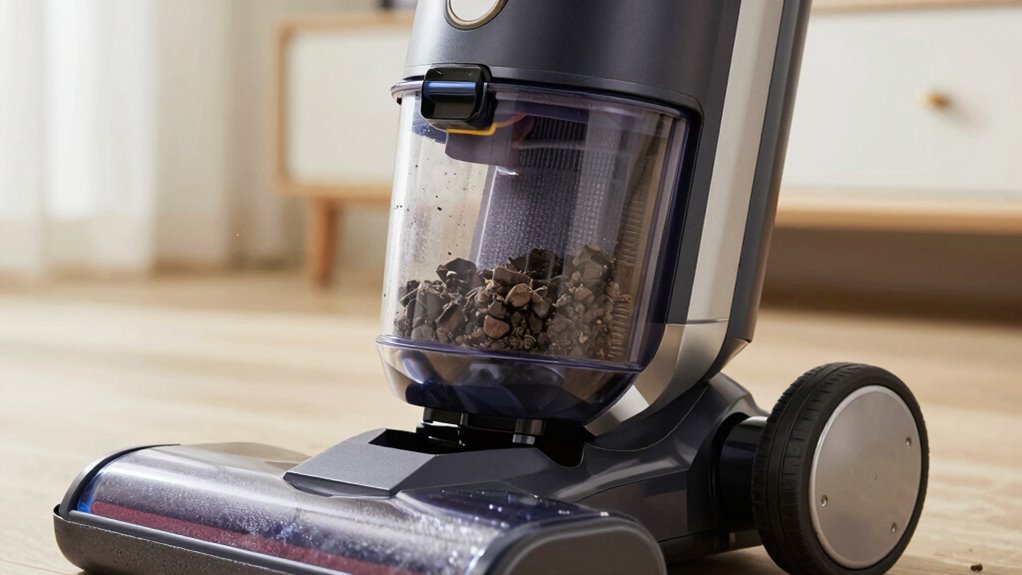
If your vacuum suddenly feels heavy and isn’t cleaning as effectively as it used to, it’s a sign that something’s wrong. Over time, dirt, hair, and debris can clog your vacuum, reducing its suction power and making it harder to maneuver. Addressing this begins with understanding the importance of proper vacuum maintenance. Regularly checking and cleaning your vacuum’s filters, brushes, and hoses is essential to keep it running smoothly. Neglecting these steps can cause buildup that hampers performance, so make vacuum maintenance a routine part of your cleaning schedule.
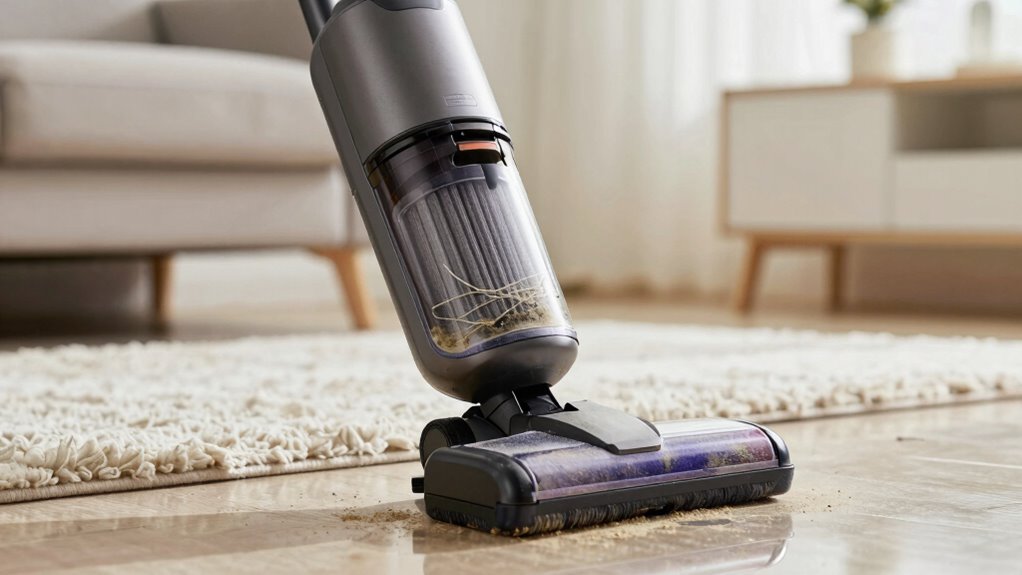
Start by inspecting the vacuum’s filters. Dust and debris can quickly clog them, leading to decreased airflow and suction. Many vacuums have washable filters—so, when they look dirty, remove and rinse them thoroughly, then let them dry completely before reinstalling. If your vacuum uses disposable filters, replace them as recommended by the manufacturer. This simple cleaning tip can restore much of the lost power and improve overall efficiency. Proper filter maintenance is especially important because filters can become clogged over time, significantly impacting performance.
Inspect and clean or replace filters regularly to maintain suction and improve vacuum performance.
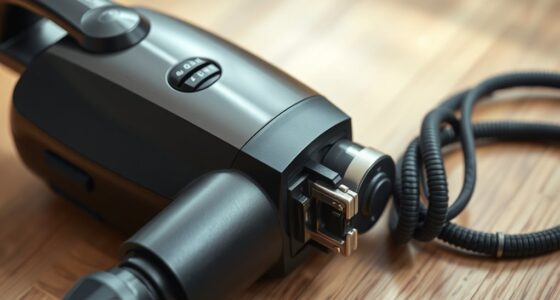
Next, examine the brush roll. Hair, string, and fibers tend to wrap around it, causing it to become less effective at picking up dirt. Use scissors or a brush to remove any tangled debris. This not only enhances cleaning but also prevents strain on the motor, which can make the vacuum feel heavier during use. Additionally, check the vacuum’s hose and attachments for blockages. A clogged hose restricts airflow, diminishing suction and making the vacuum feel cumbersome. Ensuring that the vacuum’s airflow pathways are clear is vital for maintaining optimal performance.
Another critical step is to ensure that the dustbin or bag isn’t full. A full bin reduces suction and can make your vacuum feel much heavier. Empty or replace it regularly, especially when it’s about three-quarters full. Keep in mind that a clean bin improves airflow, which directly impacts cleaning effectiveness and ease of use. Regularly monitoring and maintaining these parts helps prevent buildup and extends the lifespan of your vacuum. Proper vacuum maintenance can also prevent the need for costly repairs down the line. Being aware of how clogged filters and other parts affect vacuum efficiency can motivate consistent upkeep.
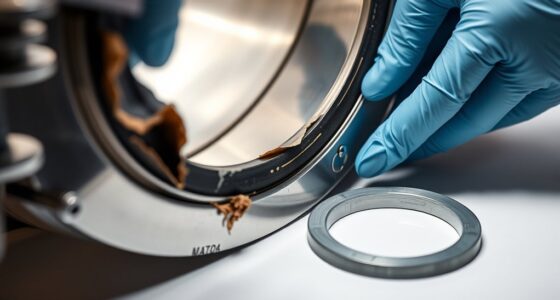
Finally, if your vacuum still feels heavy after these steps, consider the condition of the belt and motor. Worn belts can slip, reducing the power transferred to the brush roll. Replacing a worn belt is a straightforward fix that can markedly boost performance. Be sure to consult your vacuum’s manual for specific maintenance tips and replacement instructions. Additionally, understanding the importance of proper vacuum maintenance can extend the lifespan of your appliance and ensure optimal cleaning results.
As an affiliate, we earn on qualifying purchases.
Frequently Asked Questions
Can a Clogged Belt Cause My Vacuum to Feel Heavy?
Yes, a clogged belt can cause your vacuum to feel heavy. When the belt is jammed or worn out, it puts extra strain on the motor, leading to motor strain. You should check the belt for damage or obstructions and consider belt replacement if needed. Addressing this issue helps restore your vacuum’s ease of use and prevents further motor problems, ensuring it runs smoothly again.
How Often Should I Replace Vacuum Filters?
Did you know that replacing vacuum filters every 3 to 6 months can improve suction by up to 50%? Regular filter maintenance is essential. You should change filters when they become visibly dirty or clogged with dust buildup. Check your vacuum’s manual for specific recommendations, but generally, replacing filters at least twice a year keeps your vacuum running efficiently and prevents dust from recirculating into the air.
Is It Normal for a Vacuum to Become Heavier Over Time?
Yes, it’s normal for a vacuum to become heavier over time, impacting user comfort. As dust, debris, and hair accumulate, the vacuum’s weight increases, making it harder to maneuver. Regular maintenance like emptying the canister, replacing filters, and checking for blockages helps diminish vacuum weight. Staying on top of these chores ensures your vacuum remains lightweight, so you can clean comfortably without straining your arm or shoulder.
Can Adjusting the Vacuum Height Improve Efficiency?
Adjusting your vacuum height is like tuning a musical instrument; it can greatly enhance efficiency. When you set the height correctly, the vacuum’s brush rolls contact the floor properly, boosting cleaning power. Regular vacuum maintenance, including height adjustments, guarantees peak performance. Use efficiency tips like checking for obstructions and replacing worn parts. Proper height adjustment reduces strain on the motor, making your vacuum easier to maneuver and more effective on different surfaces.
What Tools Can Help Troubleshoot Vacuum Weight Issues?
You can use tools like a screwdriver to tighten or replace parts such as belts and filters during vacuum maintenance. A brush or compressed air can help remove debris clogging the hose or brush roll. Troubleshooting techniques include inspecting for blockages, checking for worn parts, and ensuring proper belt tension. These tools and methods help identify issues causing heavy weight or inefficiency, so your vacuum performs at its best.
Conclusion
When your vacuum starts feeling heavy and inefficient, remember it’s like a car that needs a tune-up. Regularly cleaning or replacing filters, checking for blockages, and ensuring the brush rolls freely can make a big difference. Think of it as giving your vacuum a quick spa day—it’ll run smoother and feel lighter. With a little maintenance, you’ll be back to cleaning like a pro, making your chores feel less like a burden and more like a breeze.
Fall Picks
fall essentials
As an affiliate, we earn on qualifying purchases.